Details: Click the Details button or double click the log item, you can view the detailed
information. See Figure 4-48. Here you can use rolling bar to view information, or you
can use Page up/Page down to view other log information.
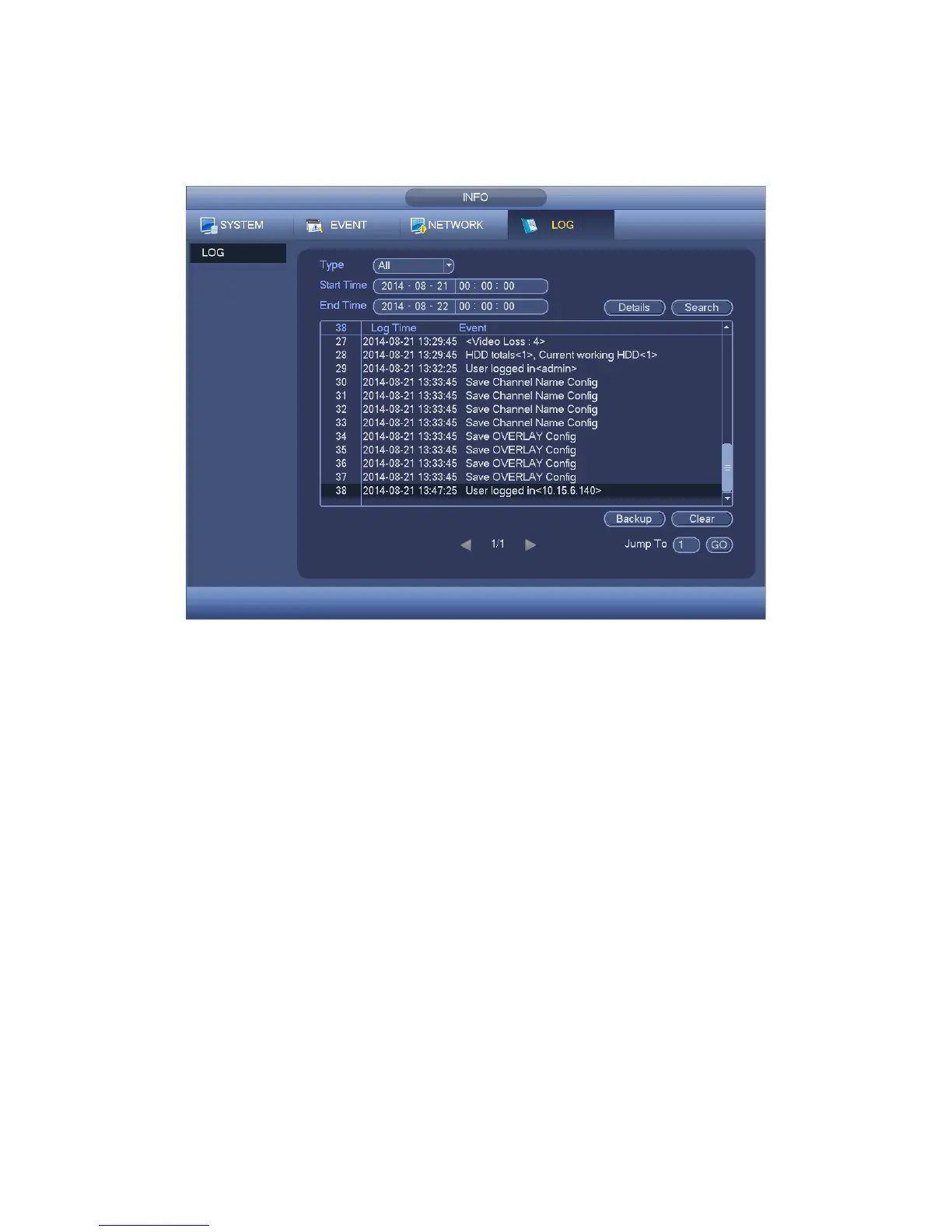
Figure 4-47
Select an item on the list and then click the Details button or double click the log item, you
can view the detailed information such as log time, log type, log user, IP address and etc.
See Figure 4-48.


 To Next Page
 Loading...