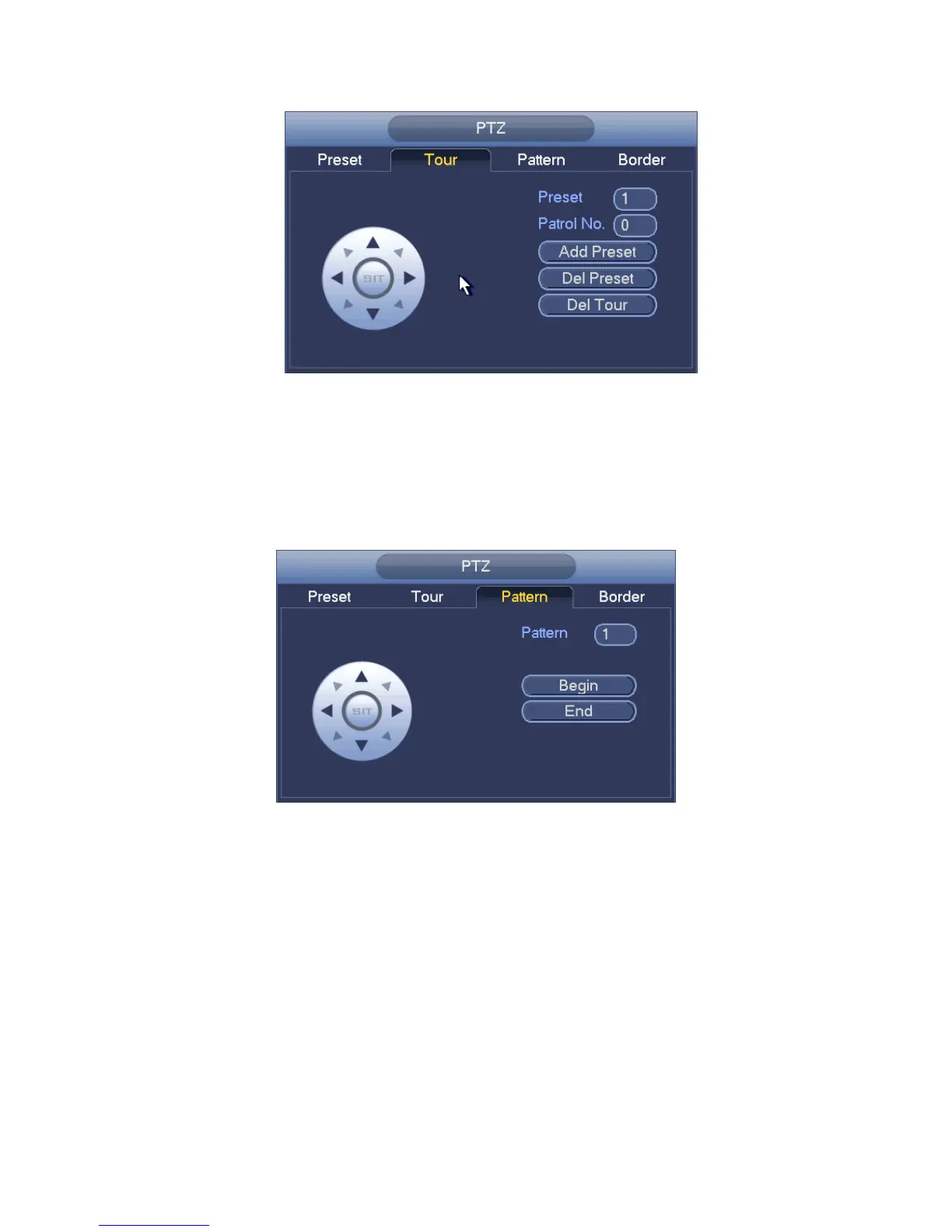
Figure 4-18
Pattern Setup
In Figure 4-16, click Pattern button and input pattern number.
Click Begin button to start direction operation. Or you can go back to Figure 4-13 to
operate zoom/focus/iris/direction operation.
In Figure 4-16, click End button.
Figure 4-19
Scan Setup
In Figure 4-16, click Scan button.
Use direction buttons to set camera left limit and then click Left button.
Use direction buttons to set camera right limit and then click Right button. Now the scan
setup process is complete.



 To Next Page