21
6. CONNECTION TO POWER SUPPLY
After interconnecting all PowerPlex
®
components of your system via a CAN bus cable, the installation only has to
be connected to electrical power supply. PowerPlex
®
is suitable for both DC 12 V and DC 24 V.
Caution
• Please make sure that all electrical installations were carried out in accordance with EN ISO
10133.
• Please make sure that the power supply is disconnected and protected against inadvertent re-
connection during the works on the system.
• Please avoid large differences between the lengths of the (+) and (-) cables.
Connecting the device
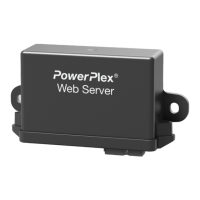
The 4-pole connector (X1) is used for connecting the PowerPlex
®
Web Server to the power supply (DC 12V/24 V).
Caution
The device has to be directly connected with the power supply via a suitable overcurrent protection. It
must not be linked up within the system via some other PowerPlex
®
component to ensure impeccable
start-up of the entire system.
Suitable elements for overcurrent protection must be used to protect the PowerPlex
®
components. The current
ratings of the circuit breaker should correspond to the max. expected total current of all outputs of the PowerPlex
®
component to be protected.


 To Next Page