- 34 -
5.4 Turntable & Carriage Adjustment
Test Operation
Turntable
Turn on the power
From the Main Menu, press;
o ② Job Mode
o ② Manual Mode
o ① Turntable (starts turntable rotation)
o ① Turntable (stops turntable rotation)
Verify there is no play in the turntable and that the fasteners are tight.
The chain tension controls the amount of play in the turntable. The chain should have no more
than ±0.25" of play.
o If greater than ±0.25" of play, tighten the chain using the chain adjustment screw located at
the back of the frame.
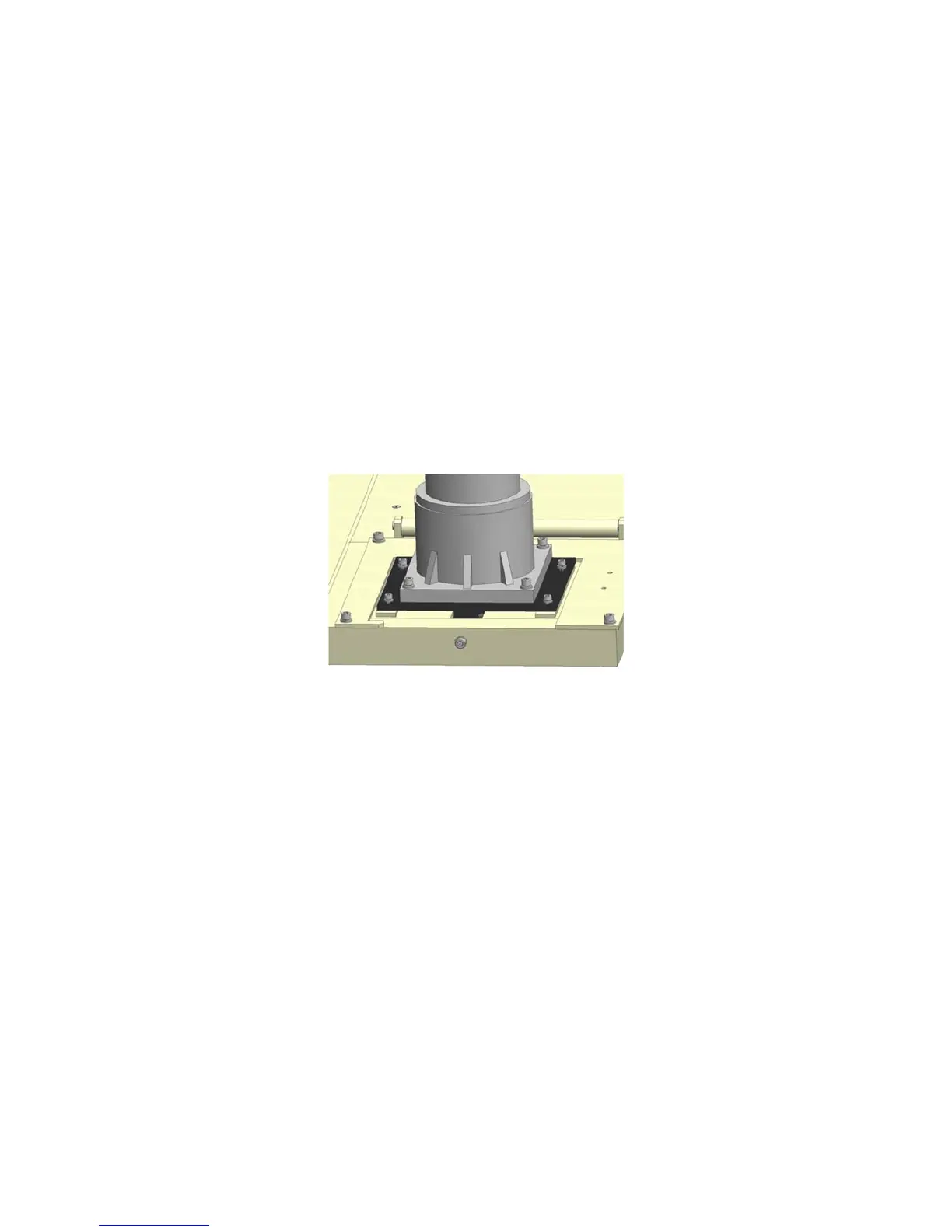
Fig. 5-1
Table Chain Adjustment
Loosen the four holding screws of the turntable motor using a 6mm Allen Wrench.
Turn the chain tension screw using an 8mm Allen Wrench.
o Clockwise adjustment will tighten the chain and counter-clockwise will loosen the chain.
After adjusting to an appropriate position, tighten the turntable motor holding screws.
Carriage Chain Adjustment
Press ② Up to raise the carriage
Press ③ Down to lower the carriage
Look and listen for smooth and consistent operation. If the action is not smooth, check the
carriage chain for obstructions, wear, or damage.



 To Next Page