EasyManua.ls Logo

Eagle 200-DC - User Manual

Eagle 200-DC
36 pages
Print Icon
To Next Page IconTo Next Page
Loading...
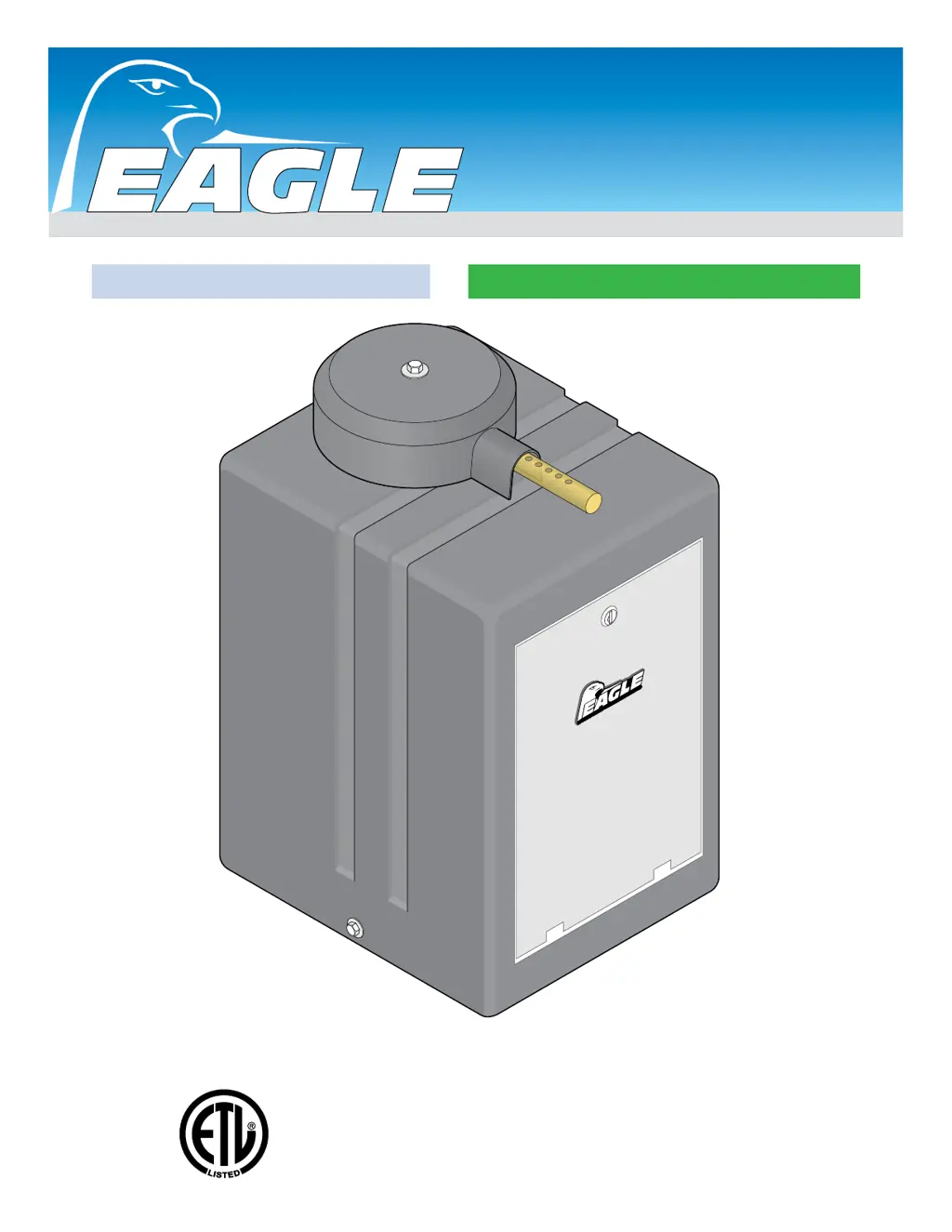
Installation & Owners Manual
Swing Gate Operators
Eagle-100 Series
Eagle-100 Series
Eagle-200 Series
Eagle-200 Series
TM
ACCESS CONTROL SYSTEMS, INC.
Made in the USA
UL 325 Compliant / UL 991 Compliant
B
Y EAGLE
A
CC
ESS
C
O
NTR
OL S
Y
STE
MS
, INC
.
Diamond Control Board or Diamond DC Control Board

Table of Contents

Questions and Answers

  • P
    Patricia HicksAug 7, 2025
    What to do if my Eagle 200-DC will not close?
    • A
      Amber LongAug 7, 2025
      If your Eagle Gate Opener won't close, several factors could be at play. First, check if the radio receiver’s LED remains on, indicating a potential malfunction in the receiver or remote control. Next, examine the global inputs for any short circuits, as indicated by one or more global input LEDs remaining active. Also, verify that Switch #8 CLOSE TIMER is in the “ON” position. If the loop detector LED is on, reset the loop detector, check the loop wiring, and try setting the loop detector to a different frequency or sensitivity. Finally, the gate may have re-opened due to an obstruction encountered while closing; note that only Key/Keypad will resume normal operation in this case.
  • A
    Amanda Smith DVMAug 22, 2025
    Why does my Eagle 200-DC Gate Opener stop and reverse with the OVERLOAD LED on?
    • G
      Gerald PughAug 22, 2025
      If your Eagle Gate Opener stops and reverses direction, and the OVERLOAD LED is on, it could be due to several reasons. First, make sure the gate operator is properly plumb and level; if not, remount it. Another possibility is that the ERD current sensor is too sensitive. Try turning the ERD current sensor slightly clockwise. Lastly, the gate might be encountering an obstruction. Inspect the gate's path and remove any obstacles.

Summary

SAFETY

Requirements for UL 325 Compliant Installation

Discusses UL 325 installation requirements for gate operators.

Important Safety Information

Key safety guidelines and warnings for gate operator use.

UL 325 Safety Standards

Model Classifications

Details classifications for vehicular gate operators based on usage.

Required Entrapment Protection

Outlines primary and secondary entrapment protection requirements.

METHODS OF INSTALLATION

Standard Installation

Procedures for installing the gate operator in a standard configuration.

LOOPS AND SENSORS

DIAMOND BOARD OPERATION

DIAMOND BOARD CONFIGURATION

DIAMOND BOARD FEATURES

DIAMOND BOARD MASTER;SLAVE

DIAMOND BOARD TROUBLESHOOTING

DIAMOND BOARD WIRING DIAGRAM

Eagle-100; Eagle-200 Models Wiring Diagram

Illustrates the wiring for Eagle-100 and Eagle-200 models.

DIAMOND DC BOARD OPERATION

DIAMOND DC BOARD CONFIGURATION

DIAMOND DC BOARD INPUTS AND LIMITS

Setting the Limit Switches

Procedures for setting the gate's open and close limit switches.

DIAMOND DC BOARD FEATURES

Reverse Sensor; ERD Adjustment

Adjusting the ERD sensor for obstruction detection.

DIAMOND DC BOARD MASTER;SLAVE

Master;Slave Setup and Connection

How to connect and configure master and slave DC operators.

DIAMOND DC BOARD TROUBLESHOOTING

Troubleshooting Common Issues

Identifies common problems and their solutions for the DC board.

DIAMOND DC BOARD WIRING DIAGRAM

Eagle-100-DC; Eagle-200-DC 120 VAC Wiring Diagram

Illustrates wiring for DC models with 120 VAC input.

Eagle-100-DC; Eagle-200-DC 240 VAC Wiring Diagram

Illustrates wiring for DC models with 240 VAC input.

Eagle 200-DC Specifications

General IconGeneral
ModelEagle 200-DC
CategoryGate Opener
MotorDC
Max Gate Weight600 lbs
Battery BackupYes
Operating Voltage24VDC
Control TypeMicroprocessor
Safety FeaturesObstruction Sensing
Max Gate Length20 feet

Related product manuals