59
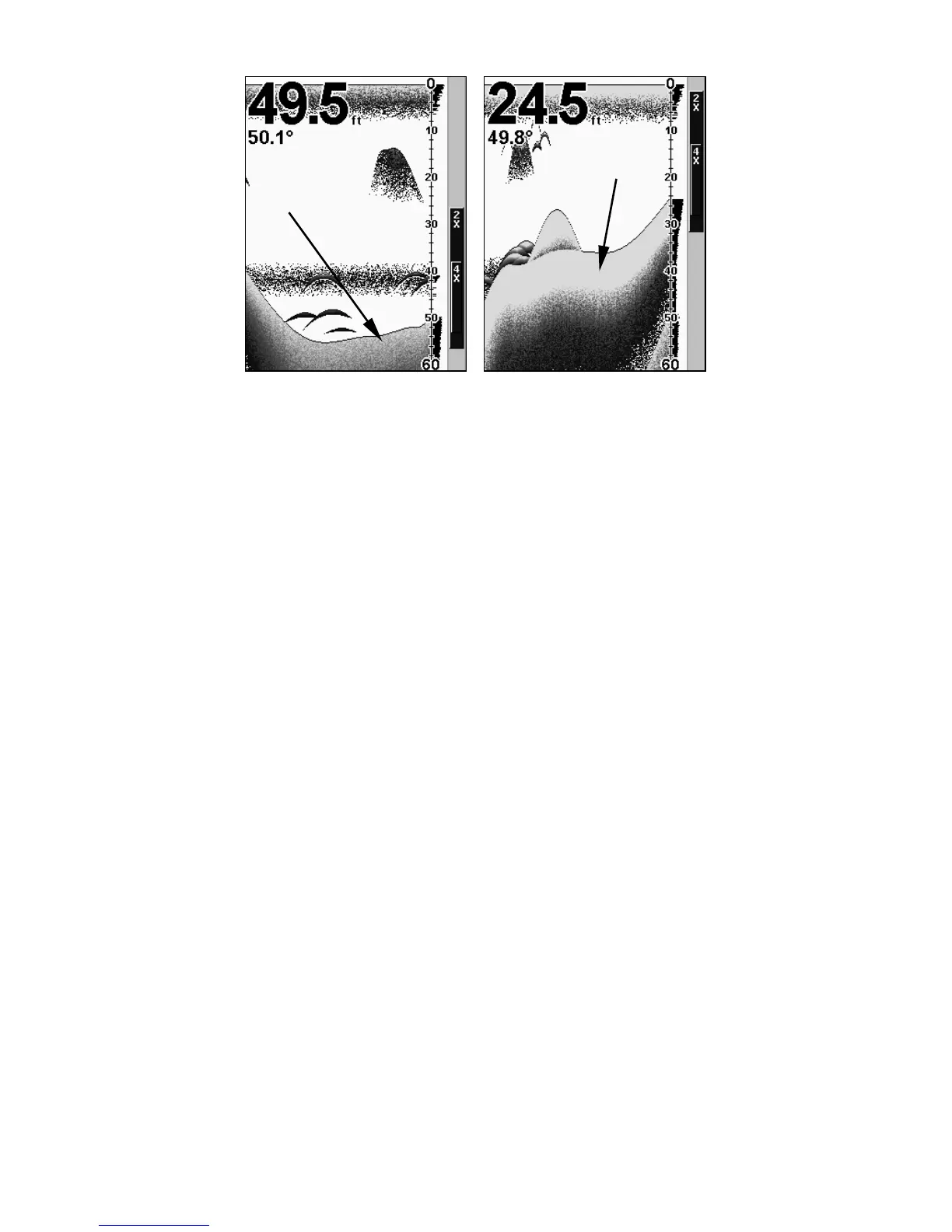
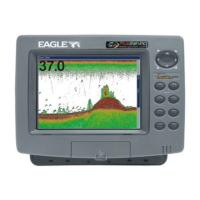
A little ColorLine (left) indicates a soft bottom, probably sand or mud.
Wider ColorLine (right) indicates a harder, rocky bottom.
Customize Page Displays
Every Page display with digital data boxes may be customized to pro-
vide on-screen information.
The data is divided into categories in the Customize menu. These cate-
gories include GPS Data, Navigation, Trip Calculator, Time, Sonar
Data and Sensor Data. You can select items from any of these catego-
ries for display on any page.
To change the information displayed on your screen:
While on the Page display you want to customize, press
MENU|↓ to
CUSTOMIZE|ENT. This will highlight one of the digital data boxes on the
screen. To change the data contained in the box press
ENT or press ↓ or
↑ to select a different box to customize. Upon making a selection, you
will see a list of the data categories with "+" or "-" symbols next to each
category. A category with a "+" next to it is expandable, meaning its
contents are hidden.
Wider
ColorLine
Thin or no ColorLine



 To Next Page