35
• Reset Options command: returns all options and auto functions to
their original factory settings. It's a great safety net while you're
learning and experimenting with various settings.
• Set Language command: your unit has menus in 10 different lan-
guages. This command switches from one language to another.
• Software Information command: tells you which version of the op-
erating software is loaded in your unit.
Sonar Menu
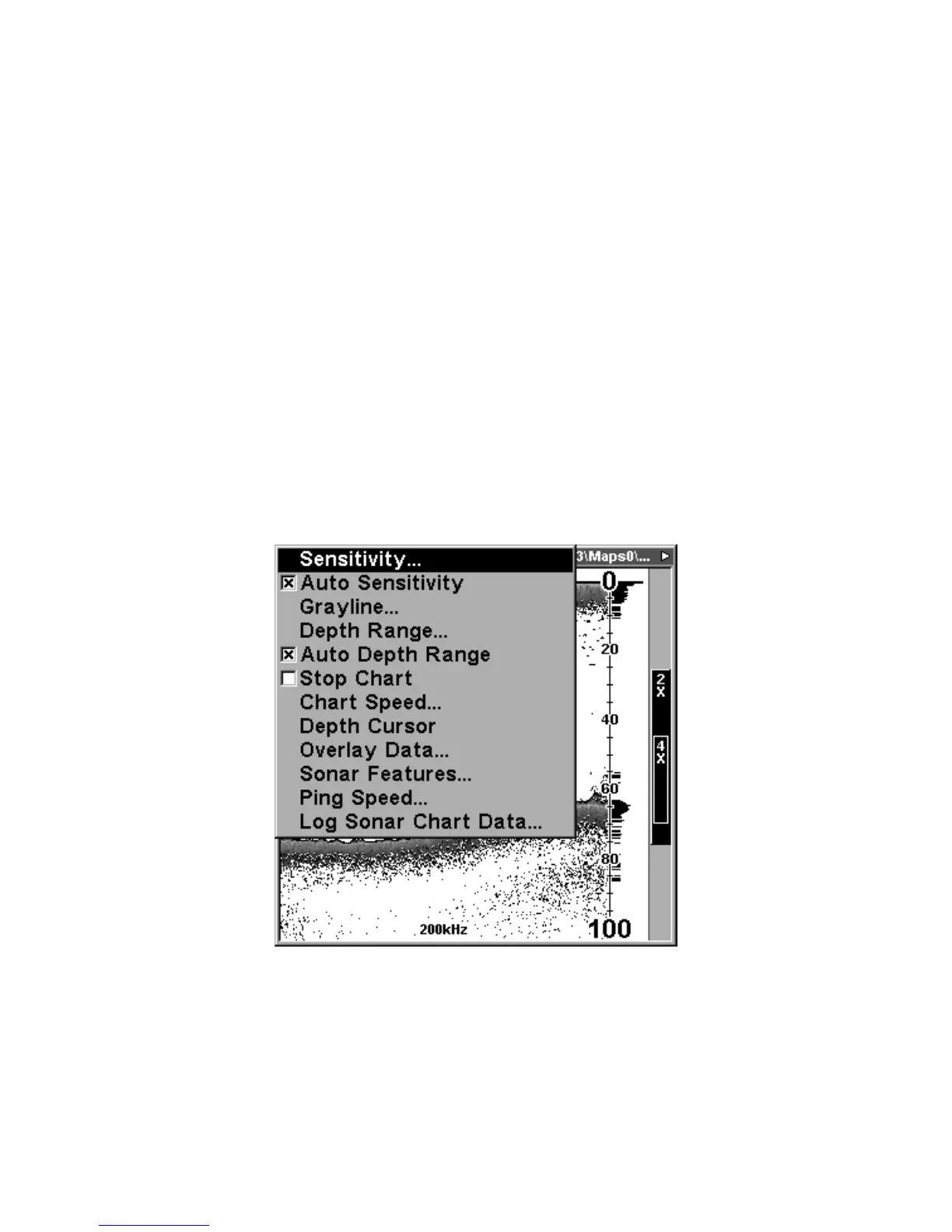
The Sonar Menu contains commands for the major sonar features and
options. You access the Sonar Menu by pressing the
MENU
key one
time. You run a command by using the ↑ or ↓ to highlight the command
and then pressing
ENT
. To clear the menu screen and return to the
Page display, press
EXIT
.
Sonar Page Menu. Most of these functions are discussed in Sec. 4.
Sonar Menu Commands
The Sonar Menu contains commands for the major sonar features and
options. Most of them are only described in detail in Sec. 4, but Sensitiv-















 To Next Page