75
Surface Clarity
The markings extending downward from the zero line on the chart are
called "surface clutter." These markings are caused by wave action,
boat wakes, temperature inversion and more.
The surface clarity control reduces or eliminates surface clutter signals
from the display. It does this by changing the sensitivity of the receiver,
decreasing it near the surface and gradually increasing it as the depth
increases.
There are three levels of surface clarity available: low, medium, or high.
It can also be turned off. The default level is off.
To adjust the Surface Clarity level:
1. From the Sonar Page, press
MENU
|↓ to
S
ONAR
F
EATURES
|
ENT
.
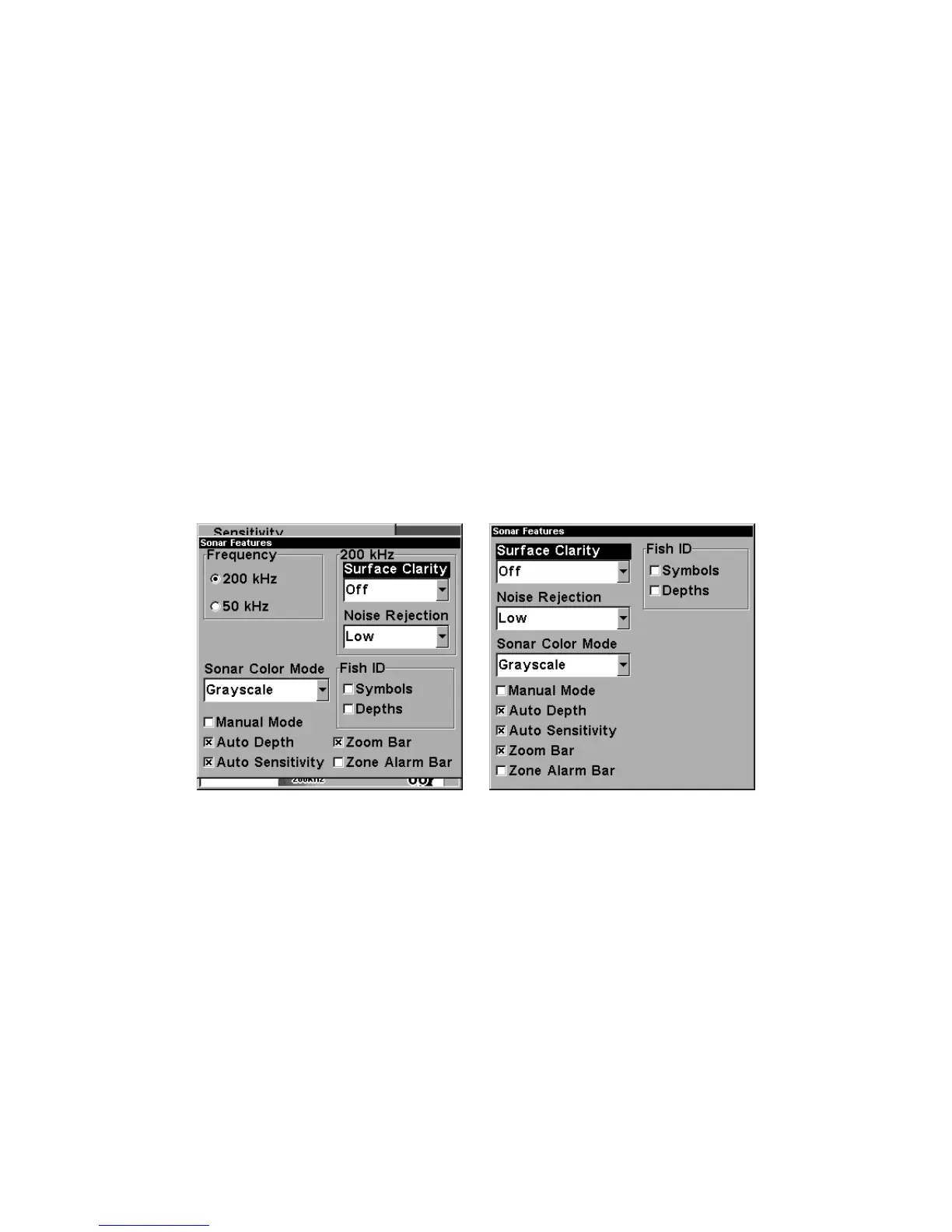
Sonar Features menu with Surface Clarity selected (at left, dual-
frequency menu; at right, single-frequency menu).
2. Press → to
S
URFACE
C
LARITY
|
ENT.
(For single-frequency units, just
press
ENT
).
3. Press ↓ or ↑ to select clarity level|
EXIT
|
EXIT
|
EXIT
.















 To Next Page