72
Split Frequency Sonar Chart
(SeaFinder 320DF only)
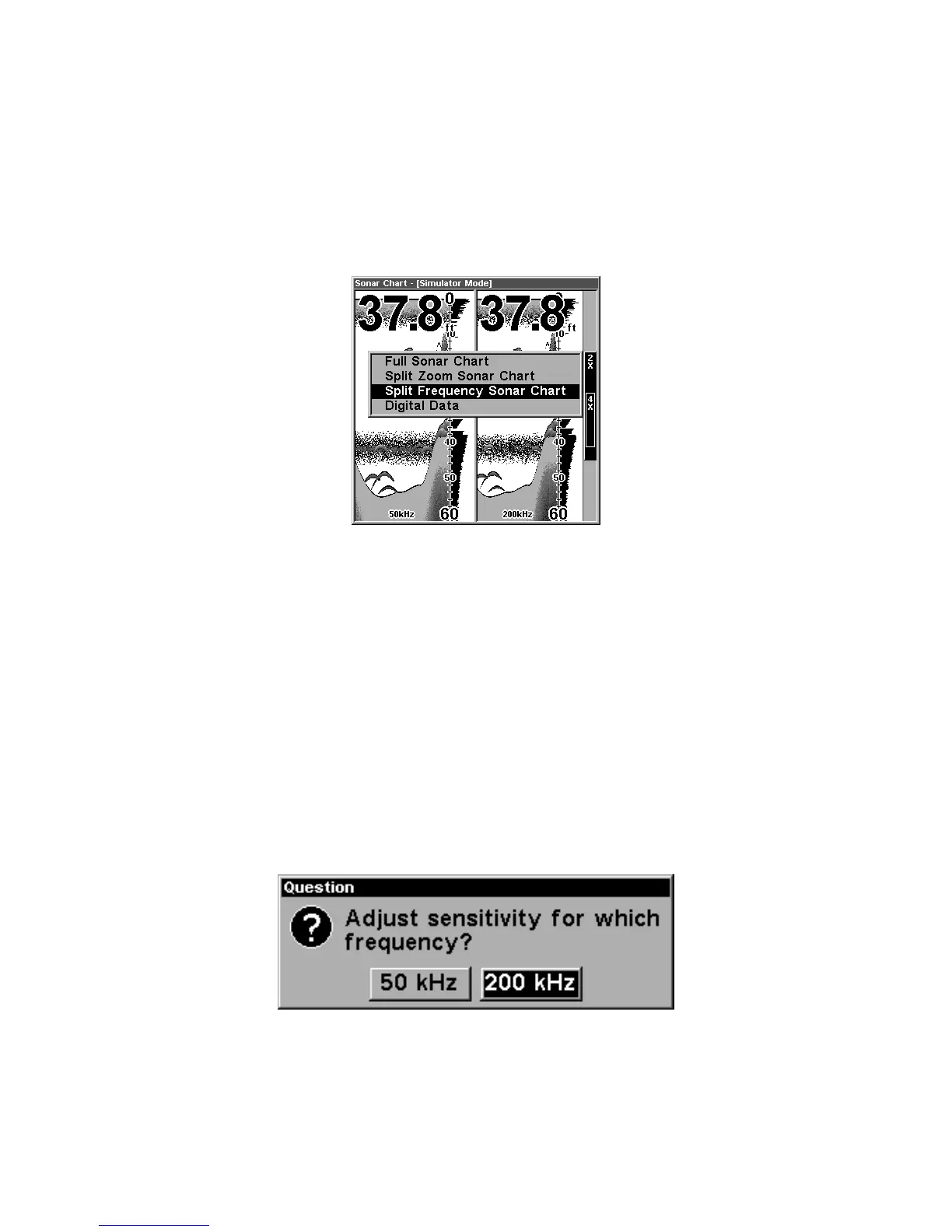
This page shows sonar data from the 50 kHz transducer element on the
left side of the screen and data from the 200 kHz transducer on the
right side. All other functions and features are the same as the Full
Chart page.
Split Frequency Sonar Chart page, with
50 kHz view at left and 200 kHz view at right.
You can adjust the sensitivity in each window.
To adjust sensitivity in auto mode:
1. Press
MENU
|
ENT
.
2. The unit asks which you wish to adjust. Press ← or→ to select the one
you want |
ENT
.
3. The Sensitivity Control Bar appears. Press ↓ to decrease sensitivity;
press ↑ to increase sensitivity. When it's set at the desired level, press
EXIT
. (When you reach the maximum or minimum limit, a tone sounds.)
The Split Frequency page allows you to adjust sensitivity
separately for each window.















 To Next Page