45
Section 4: Sonar Options & Other Features
Material in this section is arranged in alphabetical order.
ASP (Advanced Signal Processing)
The ASP feature is a noise rejection system built into the sonar unit
that constantly evaluates the effects of boat speed, water conditions
and interference. This automatic feature gives you the best display pos-
sible under most conditions.
The ASP feature is an effective tool in combating noise. In sonar terms,
noise is any undesired signal. It is caused by electrical and mechanical
sources such as bilge pumps, engine ignition systems and wiring, air
bubbles passing over the face of the transducer, even vibration from the
engine. In all cases, noise can produce unwanted marks on the display.
The ASP feature has four settings — Off, Low, Medium and High. If
you have high noise levels, try using the "High" ASP setting. However,
if you are having trouble with noise, we suggest that you take steps to
find the interference source and fix it, rather than continually using the
unit with the high ASP setting.
There are times when you may want to turn the ASP feature off. This
allows you to view all incoming echoes before they are processed by the
ASP feature.
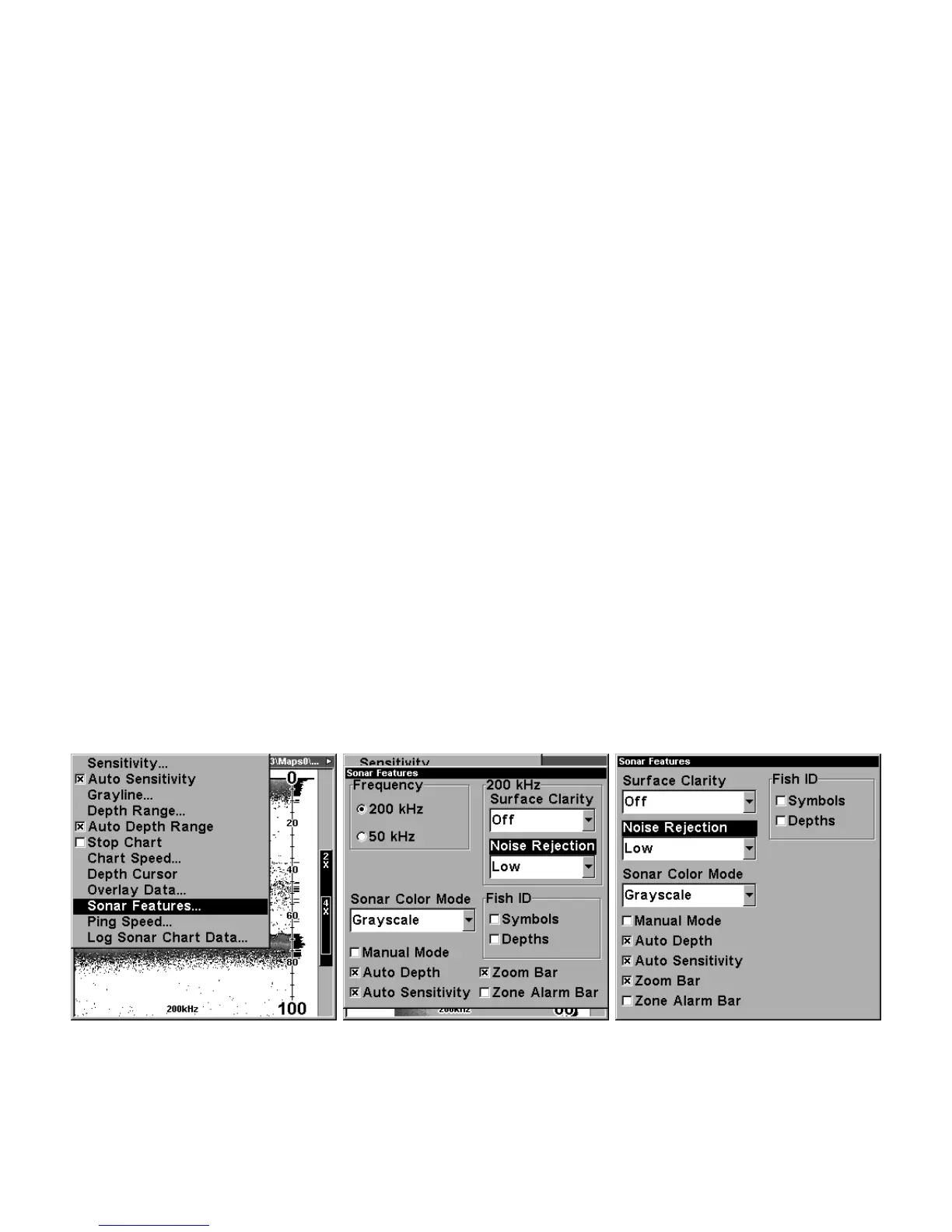
At left, Sonar Menu with Sonar Features selected. In the Sonar
Features menu, Noise Rejection is selected with ASP in the default low
setting (center, dual-frequency menu; at right, single-frequency menu).















 To Next Page