38
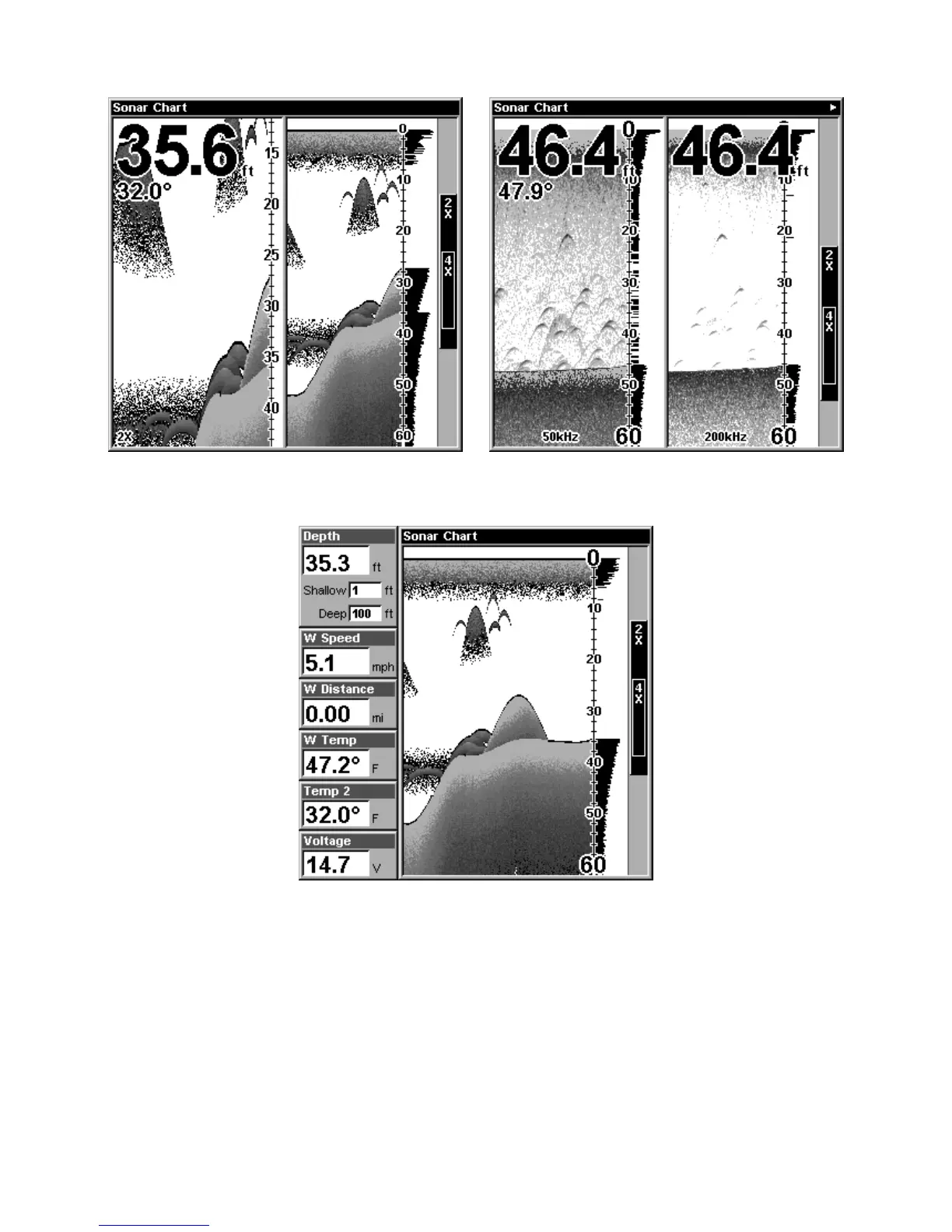
Sonar chart display options (from left) split zoom (all models)
and split frequency (SeaFinder 320DF only).
Digital data sonar chart display option.
You can customize how the Sonar Page pictures and other data are dis-
played in many ways. We'll discuss all of those features and options in
Section 4, but to show you how easy the sonar unit is to operate, see the
following 10-step quick reference that will cover most fish finding situa-
tions. The quick reference describes how your unit will operate with all
the sonar features in their automatic modes, which are set at the factory.















 To Next Page