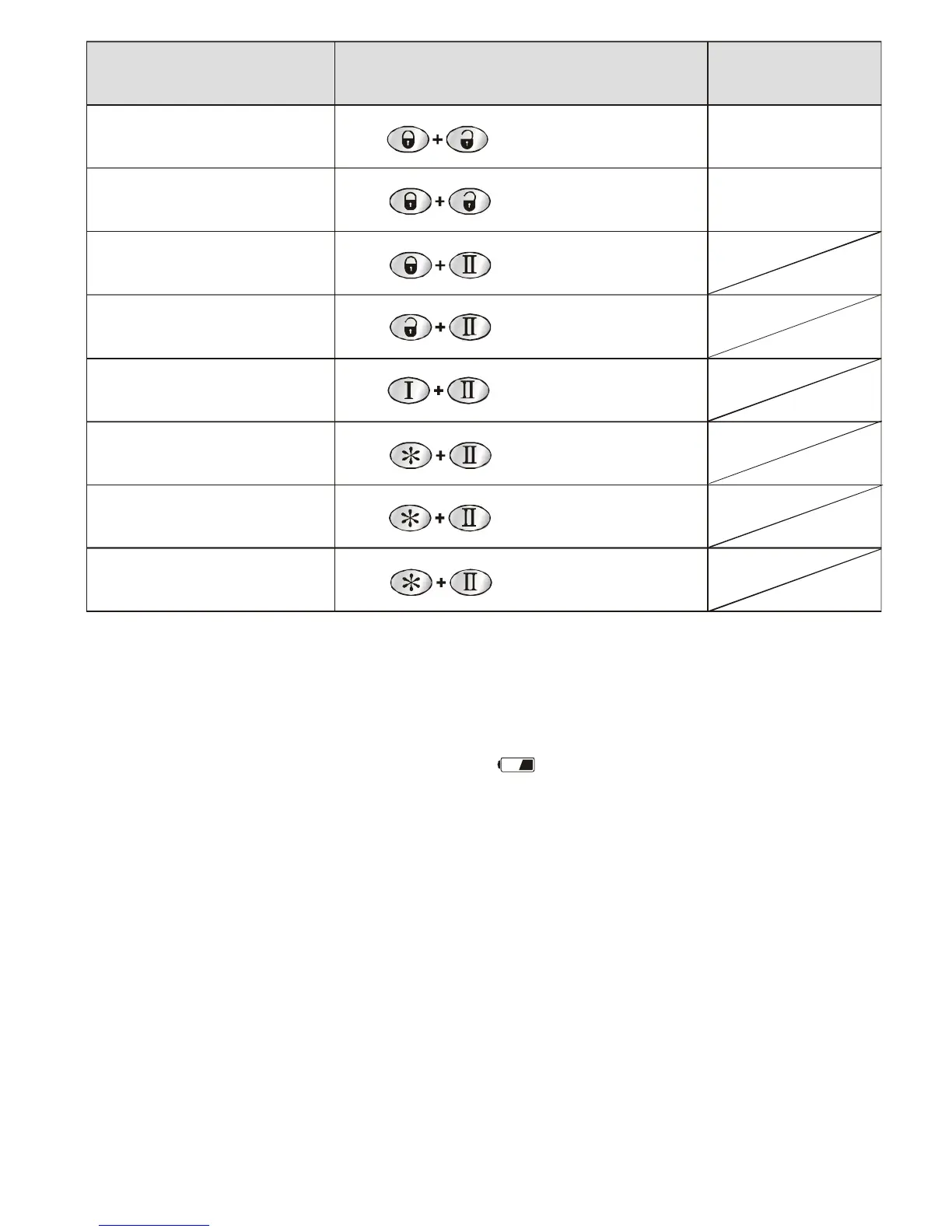
Functions Step Condition
Silent armed
Valet mode
Remote button lock (on/off)
Vibrate mode on/off
Battery conserve mode
Time adjust mode
Alarm clock time setting
Countdown timer
Press over 2sec. Until 1 beep given.
Press over 2sec. until 1 beep given.
Press over 2sec. until 1 beep given.
Press over 2sec. until 1 beep given.
Press over 2sec. until 1 beep given.
Press over 2sec. until 1 beep given.
Press over 4sec. until 2 beep given.
Press over 6sec. until 3 beep given.
ACC OFF
ACC ON
Remote battery discharge/replacement
If the battery becomes exhausted, the remote will emit extra long beep, While press any
button on the remote, few seconds later the indicator will flashing for identify.
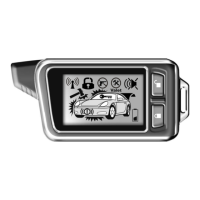
The battery discharge is displayed on the LCD screen as the icon with the status
indicator . Also you can pay your attention that the effective distance for the transmitter is
being reduced.
To replace the batteries of 2-way remote
- Bend the top part of the cover a bit, move it up and remove,
- Remove the discharged battery,
- Place the new battery (AAA) observing polarity,
- Carefully place the cover back.
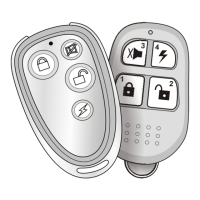
To replace the batteries of 1-way remote
- Loose the screws on the back side of the transmitter housing and separate two
halves of the transmitter housing,
- Remove the discharged battery,
- Place the new battery 12V 23A observing polarity,
- Carefully place the cover back (please do not damage the LED and switchers on the
Circuit board);
tighten the screws on the back side of the transmitter housing.


 To Next Page