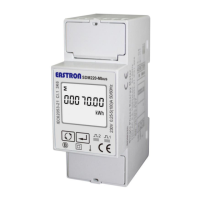
EASTRON SDM320-C User Manual
06-2018 V1.0
2018 EASTRON Electronic. All Rights Reserved. www.eastron.com.cn
When the relay is failed to turn off, the display
will show Err-1, which will scroll every 3s with
the display of the measured value.
Set-up Mode
To get into Set-up Mode, the user need press the “Enter” button for 3 second.
Password
To get into Set-up mode, it asks a password
confirmation. Default password: 1000
Use and to enter correct
password.
If an correct password is entered, the display will
show:
If an incorrect password is entered, the display
will show: Err
Keep pressing for 3 second, the current
selection will flash, use and to
change the Modbus address. Options: 1~247
Keep press for 3s to confirm the
selection.


 To Next Page
 Loading...