8
L2, L1, L3 the phase sequences need to be
adjusted for the phase angle to be correct.
Please contact Easee Customer Excellence to
adjust the phase sequence in the Equalizer.
Switching on the metre reader may need to
be done, therefore an installer needs to be in
place during this troubleshooting.
Equalizer is offline. Do the following steps:
— Check that the charging robot is connected
to Wi-Fi.
— Disconnect the Equalizer from the metre
reader until it stops flashing.
— Hold the Equalizer against the charging robot
until it lights up green.
— Reconnect the Equalizer to the metre reader.
— If the Equalizer does not appear in the
Easee Installer App, the signal is too weak.
Reposition Wi-Fi or Equalizer to get a
stronger signal. If necessary, install a Wi-Fi
extender (Mesh) for portable connection.
How to make sure the Equalizer is displaying
the correct values? Do the following steps:
Via the Easee Installer App, go to Site Overview
→ Site Structure → Equalizer, you can click on the
product card and get the same visual image of
the Equalizer that the customer gets via their
Easee app.
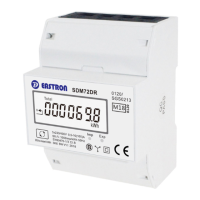
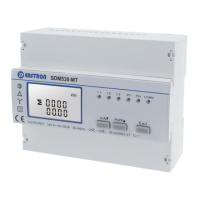
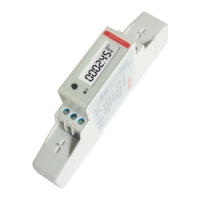
Here you can confirm that the same ampere
values are displayed as on the Eastron meter.
Ampere values can be found on the Eastron
metre by clicking on [U / I] and scrolling to
ampere values (A).
Ampere values screen



 To Next Page
 Loading...