FG 32 DDC – pre release user guide – V1.4
16
Step 1
Refer to page 8, jumpers settings locate the “watchdog jumpers settings”. Disable the watchdog by
shorting pin 2 and 3.
If the watchdog is disable, the device should be able to run the ICMP command (Ping).
Skip step 1 and step 2 if the controller is not in rebooting cycle mode. Refer to above note for
rebooting cycle mode.
Step 2
Power off the controller and let it discharge for about 5 seconds and power it up again. The
rebooting cycle will end. The controller will boot up and the status LED will blink approx 2 blinks per
second with a short pause.
Step 3
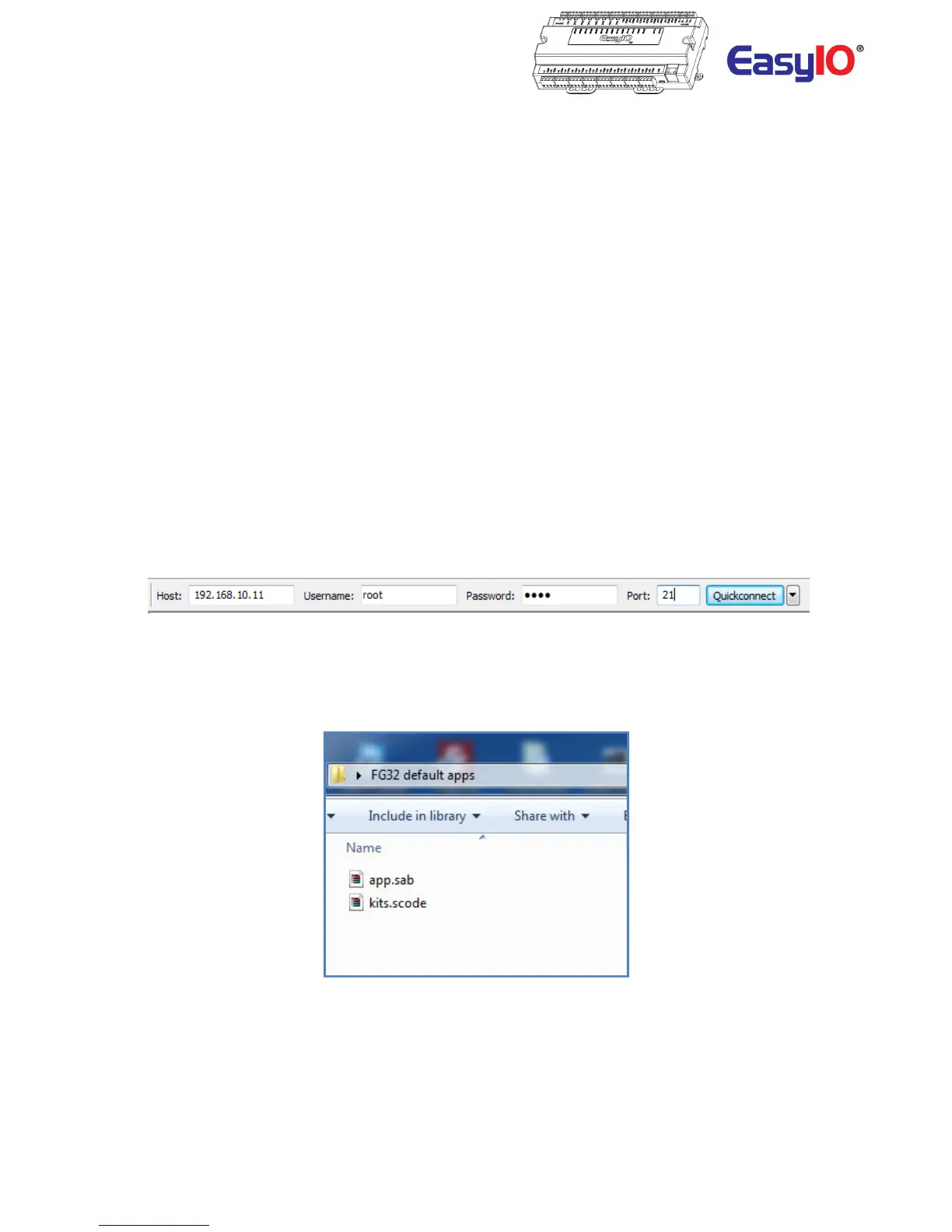
Open any ftp client software, in this case “filezilla”.
Login details to FG32 build in FTP server as below;
IP address : this is the last IP address that the FG32 had. Default is at 192.168.10.11
Username : root
Password : 1234
Port : 21
Step 4
Unzipped the backup file email by easyIO tech support.
Step 5
Transfer the app.sab and kit.scode in to the FG32 “mnt ” folder. MNT folder is at the root of the
FG32 directory.
Overwrite the existing files in the FG32.



 To Next Page