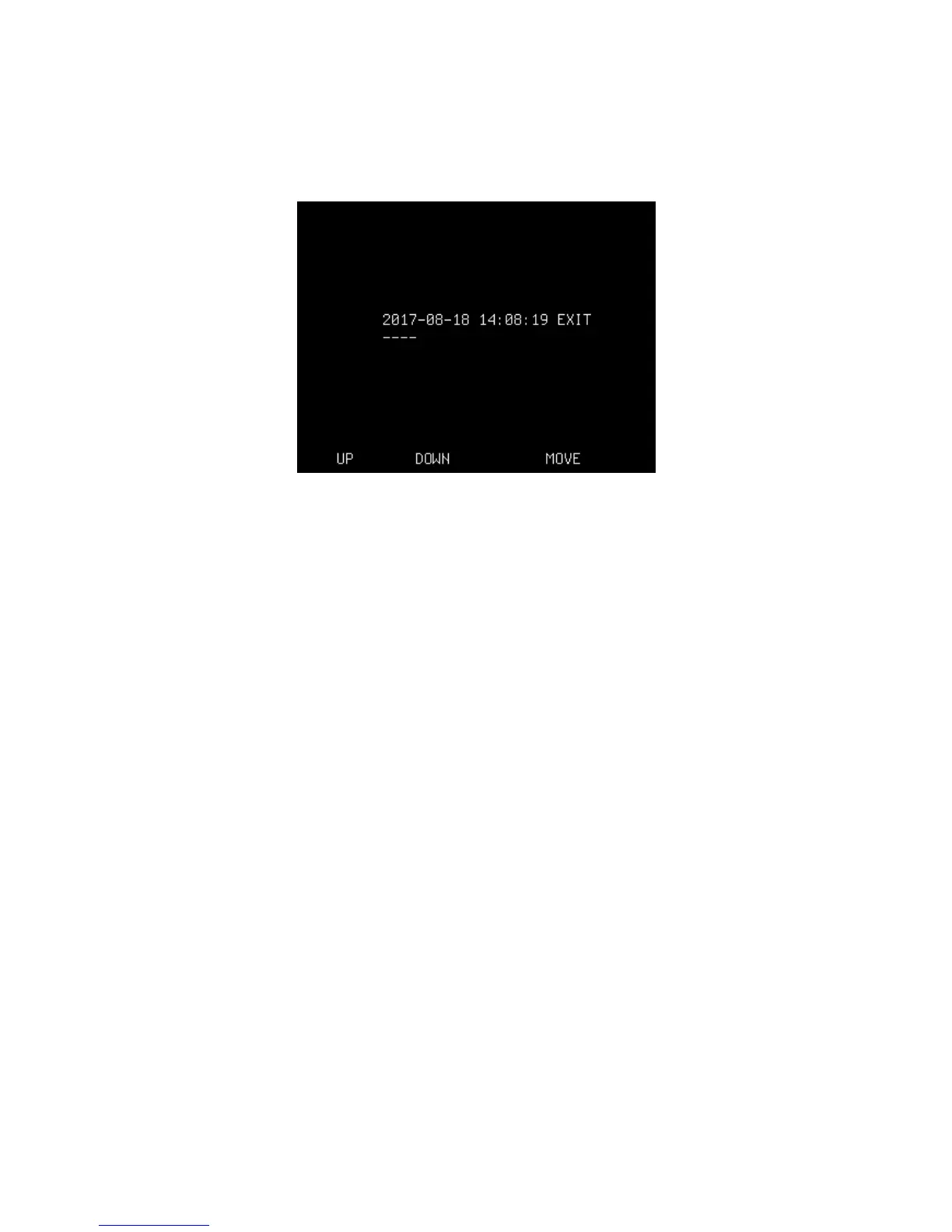
SET CLOCK
Set the internal clock by stepping up/down with the small buttons.
Save value and move to the next line by pressing the large button
(MOVE). Select EXIT for leaving this function.
UP
Changes selected items up one step.
DOWN
Changes selected items down one step.
MOVE
Steps to next item.
OVEN
Set the oven time by stepping up/down with the small buttons.
Press the large button (SELECT) for choosing a new value (or go to the
top and select EXIT).
LANGUAGE
Set the language by stepping up/down with the small buttons.
Press the large button (SELECT) for choosing a new language (or go to the
top and select EXIT).
FIBER POSITION
Calibrate fiber position when replacing cleaver (and/or if the fibers -for
any reason- are not in the correct position when being placed in the V-
grove).
- Put fibers in their holders and place them in the splicer before starting.
Start automatic calibration of fiber zero point setting by pressing the
large button (SELECT).
10


 To Next Page