EasyManua.ls Logo

Eaton PV240 - User Manual

Eaton PV240
73 pages
Print Icon
To Next Page IconTo Next Page
Loading...
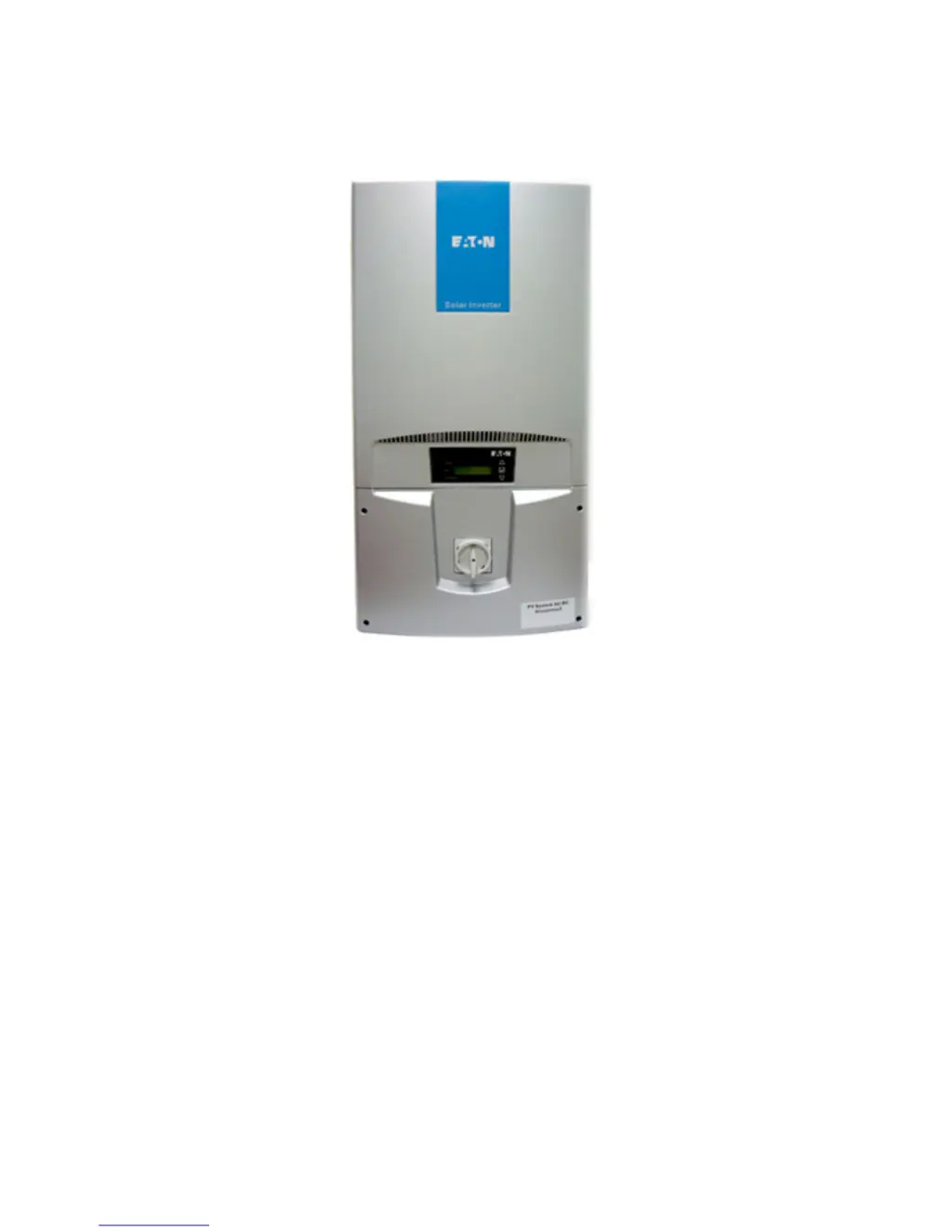
Eaton Grid-Tied PV Inverter
User Manual
Ver. 1.1

Questions and Answers

  • A
    Amanda FosterAug 15, 2025
    What to do if my Eaton Inverter shows a Grid Fault?
    • E
      Eric PrinceAug 15, 2025
      If your Eaton Inverter displays a 'Grid Fault', first check the grid voltage and frequency on the LCD. If the voltage is within range, restart the inverter. If the fault persists, contact your installer to inspect the grid voltage and cable connections. If the voltage is out of range, contact your installer to check the AC voltage feed and then contact the utility operator.
  • J
    Justin WhitneyAug 18, 2025
    Why does my Eaton PV240 Inverter show PV Over Voltage?
    • K
      Kimberly MillerAug 18, 2025
      If your Eaton Inverter displays 'PV Over Voltage', it means the DC voltage from the PV module is too high (over 600Vdc). Immediately disconnect the PV modules. Also, check the configuration of the strings to ensure the maximum input voltage remains below 600V.
  • A
    Andrew GallegosAug 21, 2025
    What causes a Ground I Fault on an Eaton PV240?
    • S
      Steven MathewsAug 21, 2025
      If your Eaton Inverter shows a 'Ground I Fault', it indicates excessive leakage current on the ground conductor. Check the AC cable connections, paying special attention to the grounding cables, and ensure they are properly connected. You can also try restarting the inverter. If the fault persists, disconnect the inverter and contact your system installer.
  • W
    William WagnerAug 25, 2025
    What to do if my Eaton PV240 shows No Utility?
    • S
      Shane WellsAug 26, 2025
      If your Eaton Inverter displays 'No Utility', verify the utility system and the AC connections of the inverter. Check the AC fuses of the inverter. If the problem continues, disconnect the inverter and contact your system installer.
  • A
    Ashley LawrenceAug 28, 2025
    How to fix Over Temperature error on Eaton PV240?
    • L
      Linda Berry DDSAug 28, 2025
      If your Eaton Inverter displays ‘Over Temperature’, disconnect the inverter for more than 30 minutes, then restart it. If the fault continues, disconnect the inverter and contact your system installer. If necessary, choose a new location for installation.
  • H
    Heather CortezAug 31, 2025
    How to troubleshoot Isolation Fault on Eaton Inverter?
    • J
      Jonathan KimAug 31, 2025
      If your Eaton Inverter displays 'Isolation Fault', restart the inverter. If the fault persists, contact your system installer immediately to check the insulation of the PV Inverter and PV Modules throughout the solar system.
  • J
    James KleinSep 4, 2025
    What to do if my Eaton PV240 shows Relay Fault?
    • G
      greeneamberSep 4, 2025
      If your Eaton Inverter displays 'Relay Fault', restart the inverter. If the fault remains, disconnect the inverter and contact your system installer.
  • T
    travissheltonSep 7, 2025
    What to do if Eaton Inverter shows EEPROM Failures?
    • D
      Daniel PorterSep 7, 2025
      If your Eaton Inverter displays 'EEPROM Failures', restart the inverter. If the fault remains, disconnect the inverter and contact your system installer.
  • J
    Jasmine Moore MDSep 12, 2025
    What to do if Eaton PV260/PV270 Inverter shows FAN2 Lock?
    • L
      Lucas DaltonSep 12, 2025
      If your Eaton PV260/PV270 Inverter displays 'FAN2 Lock', visually inspect the front cooling fan and remove any obstacles. If the top fan is not working, it may need replacement. If the fault persists, disconnect the inverter and contact your system installer.

Eaton PV240 Specifications

General IconGeneral
BrandEaton
ModelPV240
CategoryInverter
LanguageEnglish

Related product manuals