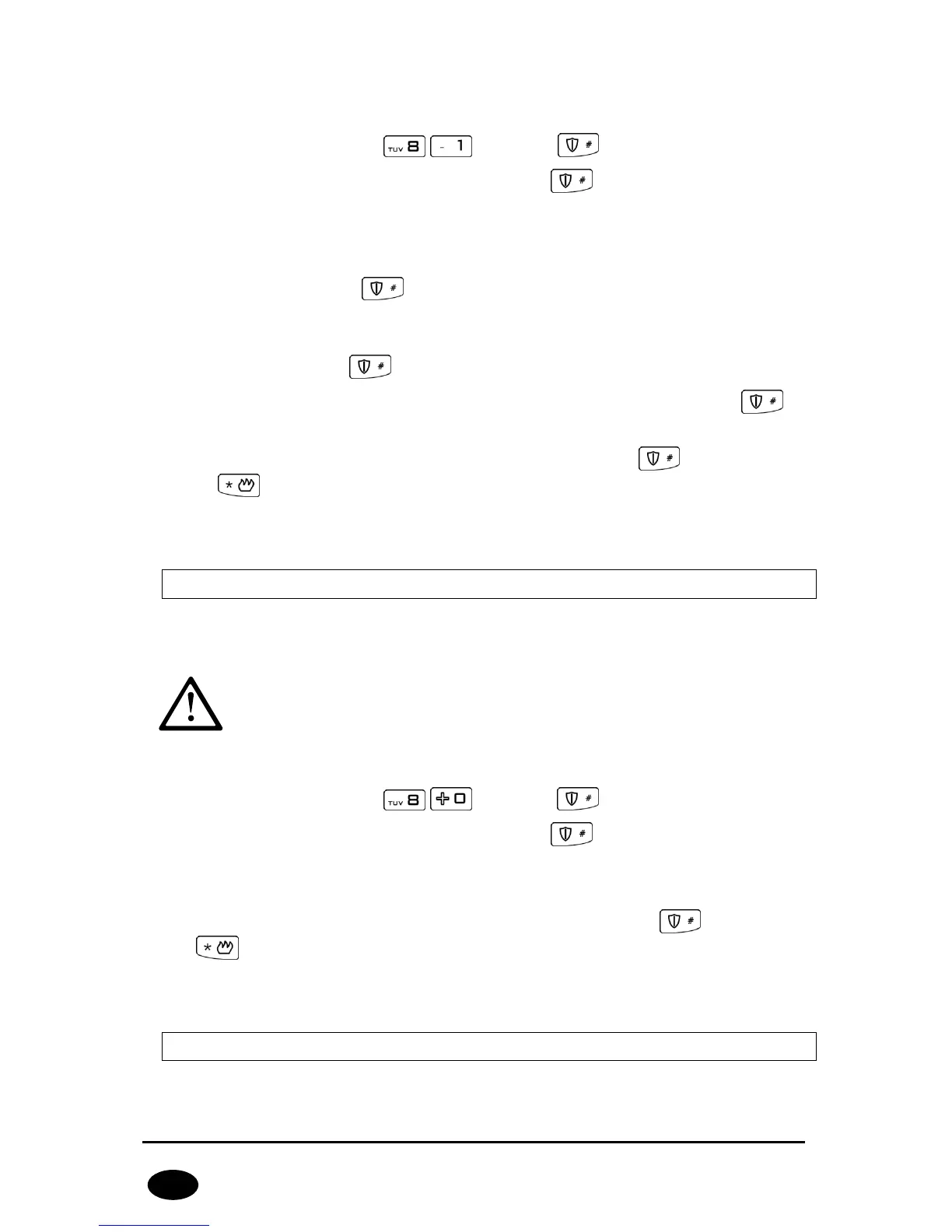
To add a new user:
1. Enter the function code and press to confirm.
2. Enter the admin code and confirm it with . 3 beeps will confirm the
correct code input.
3. Numbers of already existing users will be displayed.
4. Enter the ID of newly added user (1 to 8), other than already added ID
numbers, and press to confirm. Numbers of partitions a new user can
have access to will be displayed.
5. To activate/deactivate LED of an appropriate partition, press 1 or 2. When the
access is set, press to confirm. All LEDs shall be off now.
6. Enter the code of a newly added user (4 to 7 digits) and press to
confirm.
7. Enter the code of a newly added user again and press to finish adding
or to exit without saving changes.
8. Successful adding a new user will be confirmed with 3 beeps, otherwise a
constant sound will be emitted.
7.5. USER DELETE
You can delete a user here. Codes can be deleted by the administrator only. 3 beeps
will confirm the successfully entered function. Default admin code: 1111.
To delete a user:
1. Enter the function code and press to confirm.
2. Enter the admin code and confirm it with . 3 beeps will confirm the
correct code input.
3. Numbers of already existing users will be displayed.
4. Enter the ID code (1- 8) of a user to be deleted and press to confirm or
to exit without saving changes.
5. Successful deletion of a user will be confirmed with 3 beeps, otherwise a
constant sound will be emitted.
7.6. CHANGE OF USER CODE
The user can change its code here. 3 beeps will confirm the successfully entered
function.



 To Next Page