20 EBTRON • 1663 Hwy. 701 S., Loris SC 29569 • Toll Free: 800.2EBTRON (232.8766) • Fax: 843.756.1838 • Internet: EBTRON.com
GOLD SERIES GTC116 TRANSMITTER
a measurable difference!
EBTRON
IG_GTC116_R3A
FROM PART 2
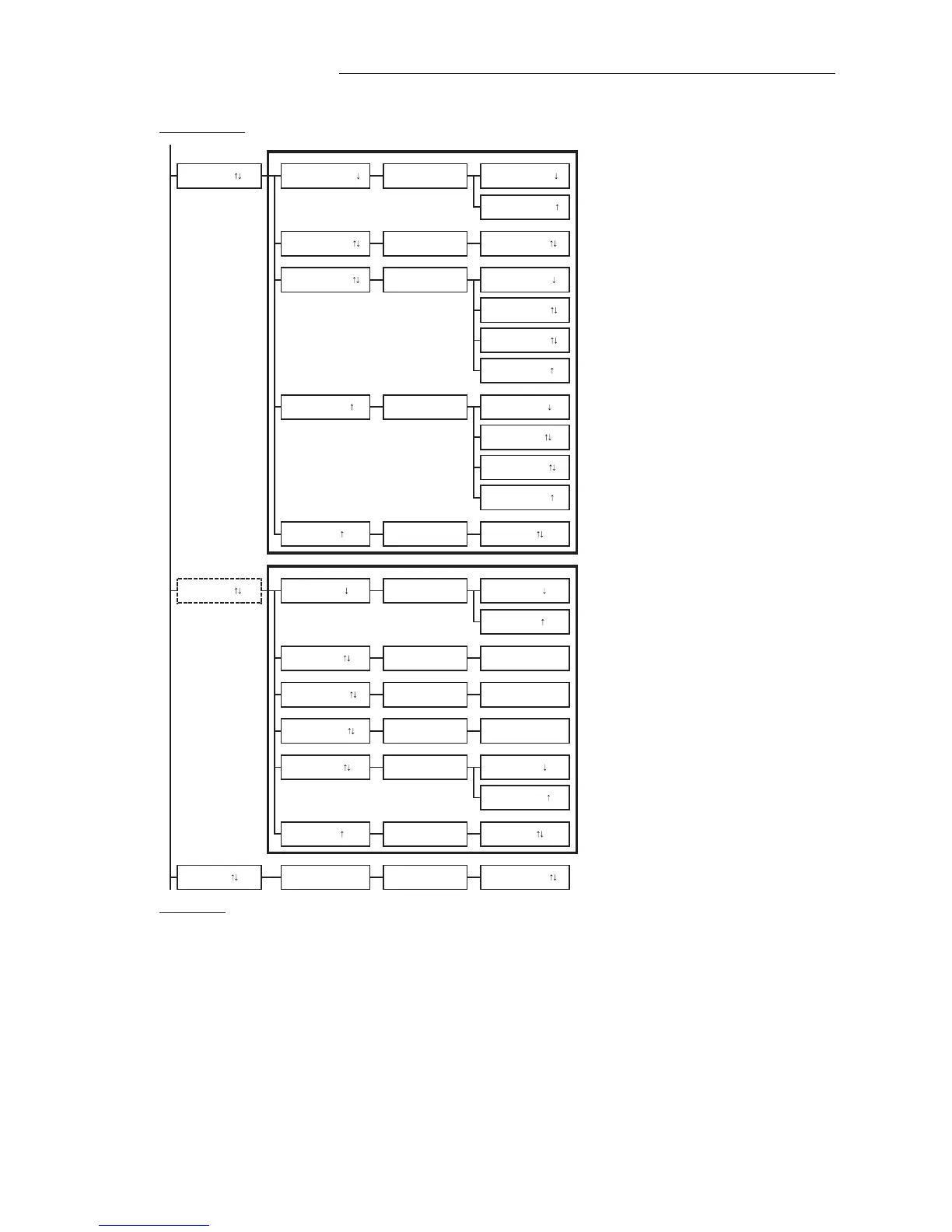
GTC only
GTC configuration
Enter network address.
Set network baud rate.
Option for MODBUS only
Set MODBUS parity type.
Option for BACNET only
Set network device instance number.
GTM only
GTM configuration
TO PART 4
Enter IP address, use (up/down arrow) buttons to select value and press ENT to move to right
and ESC to move to left.
Enter subnet mask, use (up/down arrow) buttons to select value and press ENT to move to
right and ESC to move to left.
Enter gateway IP address, use (up/down arrow) buttons to select value and press ENT to move
to right and ESC to move to left.
Set BACnet IP or Ethernet protocol.
SET IP?
SET NETADDRESS?
NETWORK
*IP=10.0.0.1
EB-LINK
NETWORK
*NETOUT=BACNET SET NETOUT? NETOUT=BACNET Set network protocol type.
PARITY=ODD
NETBAUD=38400
*NETDI=2 SET NETDI?
010.000.000.001
*NETBAUD=76800
SET NETBAUD? NETBAUD=76800
*PARITY=EVEN SET PARITY? PARITY=EVEN
Set DHCP to ON or OFF.
DHCP=ON
NETBAUD=19200
NETBAUD=9600
BACNET=IP
PARITY=NONE2
*BACNET=IP SET BACNET?
*MASK=255.255.
SET MASK? 255.255.255.000
BACNET=ETH
*GATE=10.0.0.. SET GATEWAY? 010.000.000.010
NETDI=2
*DHCP=OFF
PARITY=NONE1
NETOUT=MODBUS
*NETADDRESS= 2 NETADDRESS=2
SET DHCP? DHCP=OFF
*EB-LK INTG=300 SET EB-LK INTG? EB-LK INTG=300 EB-Link integration samples.
*NETDI=2
SET NETDI? NETDI=2 Set network device instance number.


 To Next Page