②
11
SETUP
COMMUNICATIONS
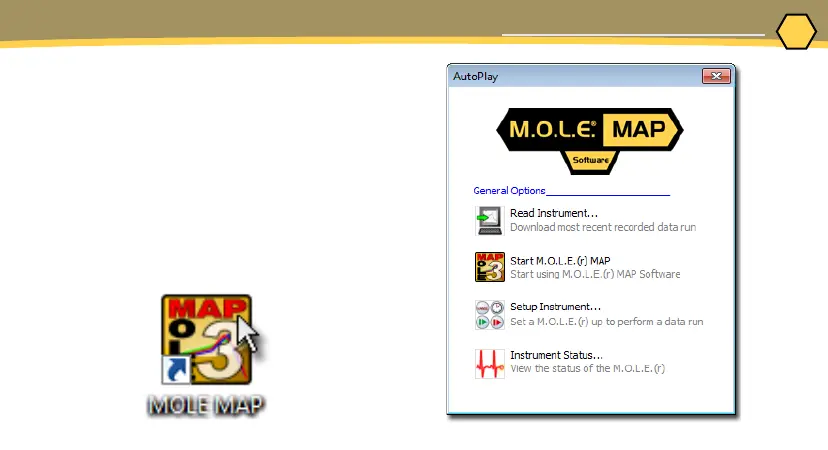
1. Plug the USB cable into a computer
COM Port and the USB-C end into
the M.O.L.E. thermal proler data
port. The AutoPlay panel appears
in the lower right corner of the
desktop. This panel displays the four
most common MAP commands.
2. Select Start M.O.L.E. MAP



 To Next Page