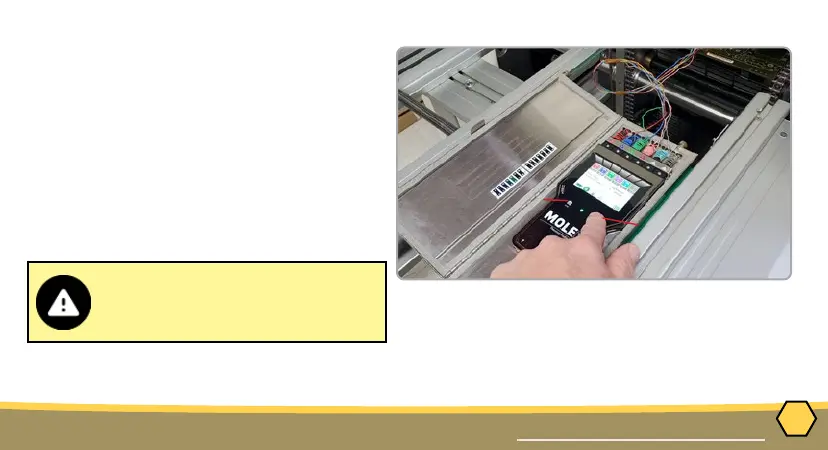
When retrieving the M.O.L.E.
thermal proler and test product
use caution as it may be warm.
➋
➌
➍
20
OPERATION
DATA COLLECTION
2. Connect the M.O.L.E. thermal proler to
the sensors.
3. Press the “ON” button.
4. Place the M.O.L.E. thermal proler in the
appropriate thermal barrier and press
the “Record” button.
5. Close the thermal barrier making sure
the sensor wires do not get pinched and
the latch is secure.
6. Pass the thermally protected M.O.L.E.
thermal proler, and test product
through the process.



 To Next Page