For sengs such as Start Parame-
ters and Stop Parameters, select the
More>> command buon.
⑦
⑧
⑨
16
OPERATION
SETUP INSTRUMENT
7. Select the Sensor Plaorm buon.
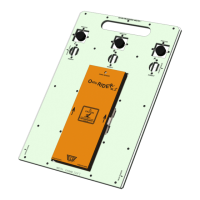
8. Select the OvenRIDER® NL 2+ then the OK com-
mand buon to proceed.
9. Conrm the sengs and then, select the
Next command buon to send the data listed in
the dialog box to the instrument.


 To Next Page