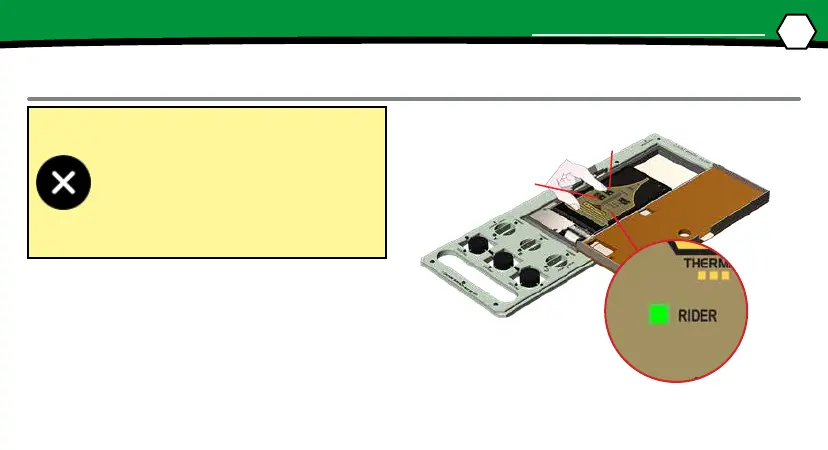
Never permit the M.O.L.E.® Thermal Pro-
ler to exceed the absolute maximum
warranteed internal temperature, as per-
manent damage may result. The warranty
will not cover damage caused by exceed-
ing the maximum specied internal tem-
perature.
③
③
19
OPERATION
DATA COLLECTION
STEP 2: DATA COLLECTION
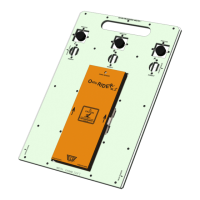
1. Set the width of the conveyor to match the RIDER.
2. Set the oven as you normally would for a common
product (i.e. zone temperatures, conveyor speed).
3. Connect the M.O.L.E. Proler to the connector
bridge in the Thermal Barrier. Turn it “ON” and
press the “RECORD” buon.


 To Next Page