If the M.O.L.E.® Proler is removed before it
has stopped collecng data, it may cause the
data to become distorted.
It is important to open the Thermal Barrier
to prevent the internal temperature of the
M.O.L.E.® Proler to rise above operang tem-
perature specicaon.
⑧
⑧
21
OPERATION
DATA COLLECTION
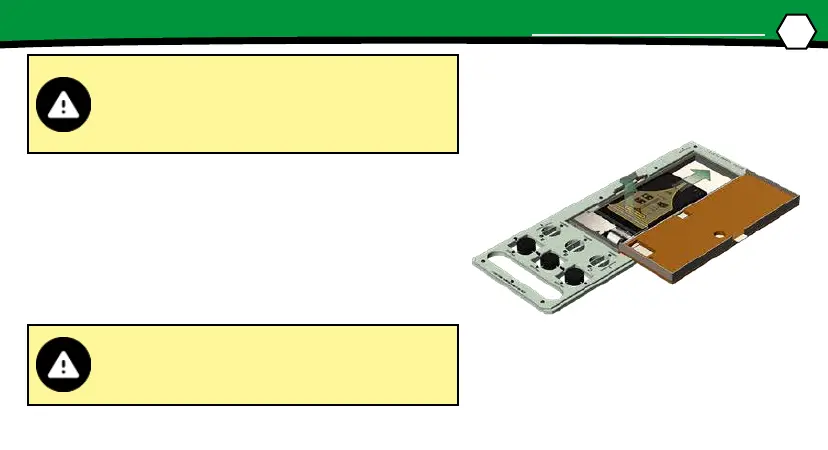
7. Open the Thermal Barrier and if the Record buon is
sll ashing this means the M.O.L.E.® Proler is sll
logging and it should be stopped.
8. Remove the M.O.L.E.® Proler from the Thermal
Barrier by pulling the extractor handle up. Wait a few
minutes for the M.O.L.E.® Proler to cool. Handle it
carefully, as the case may sll be warm.


 To Next Page