18
|
SET UP INSTRUCTIONS
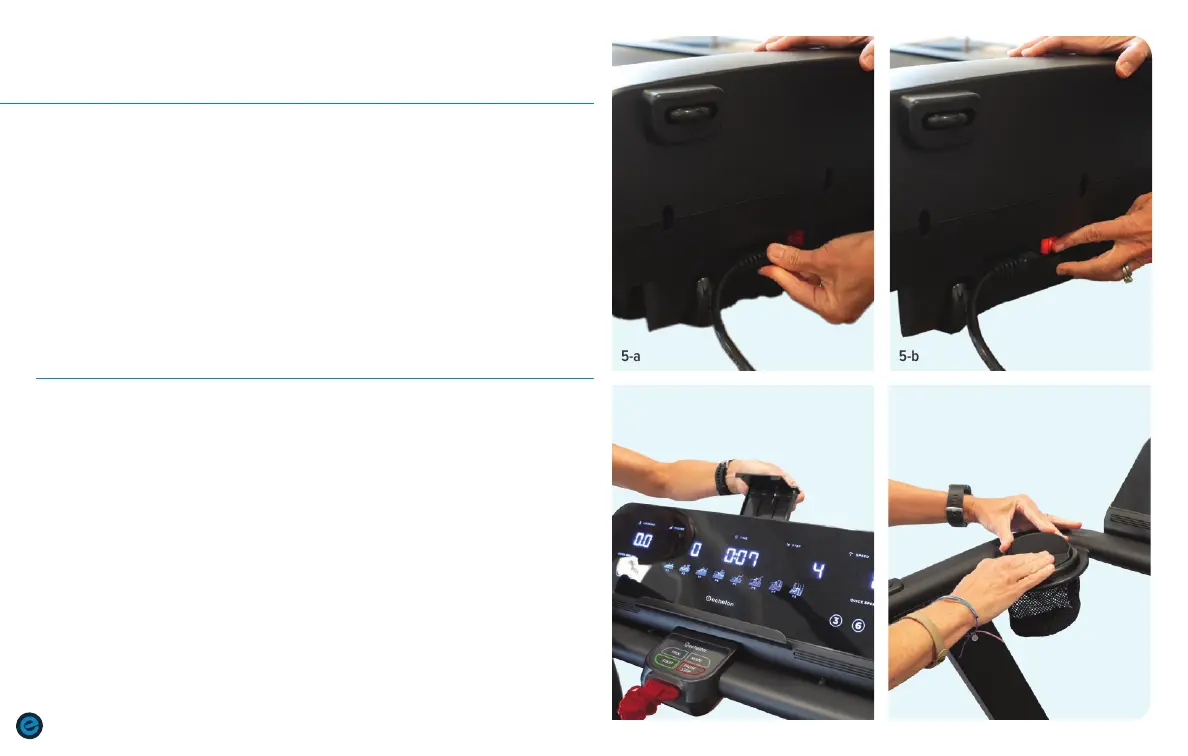
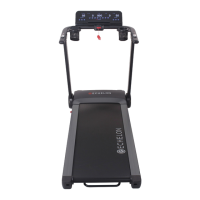
Plug in treadmill.
a. Plug in the power cord at the front of the treadmill. Plug the other end
of the cord into a power outlet. Always remove the plug when moving
or storing the treadmill.
b. Press the power button into the ON position. When the treadmill is on,
the ON/OFF button will be lit.
c. Insert safety key into the front of the console.
Set up Tablet and Smartphone.
a. Pull the Tablet Holder up from behind the console and adjust
length for tablet (Max. length: 8.4 in)
b. Place the tablet on the console under the Tablet Holder.
c. Lower the Tablet Holder onto the tablet to hold in place.
d. Place the Smartphone Holder over one of the cup holders. Place
smartphone in holder. To remove the smartphone holder, face the
holder away from you and insert your fingers into the slot. Grip
with your thumb and gently pull the holder up and out.
5
6
STEP
STEP
SET UP INSTRUCTIONS (cont’d.)
5-a 5-b
6-d6-a


 To Next Page