26
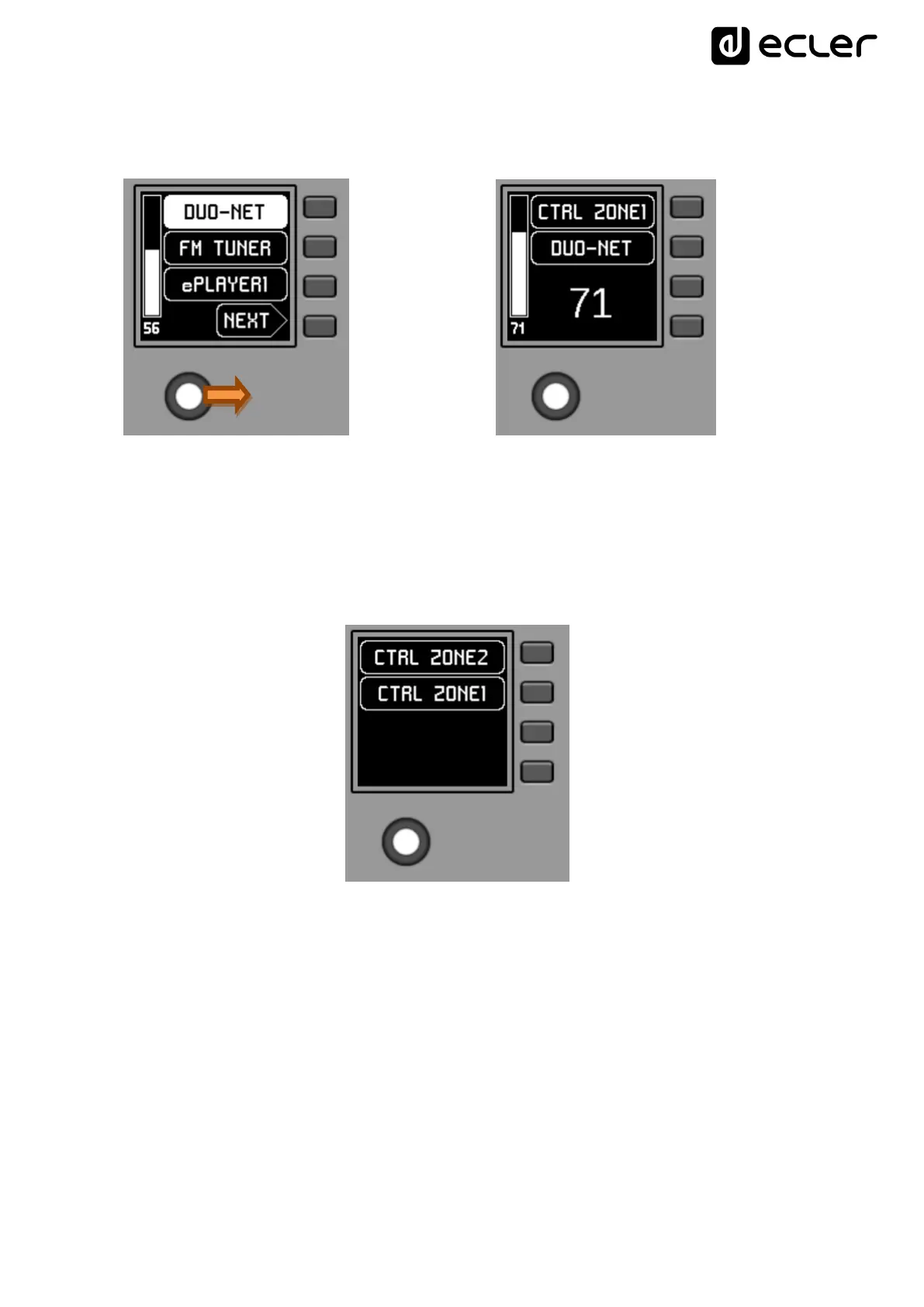
A MULTI panel, once programmed, will show on the screen the information of the
individual panel from which it is taking the role:
-> control twist =
The image above shows how a control programmed as WPNET4KV MULTI is taking on
the role of an individual WPNET4KV control called "CTRL ZONE1", so that it shows the
carousel options and the rest of the carousel information.
A long press on the rotary control (>5 seconds) gives access to the role change menu of
this MULTI type hardware panel:



 To Next Page