27
In the previous example it can be seen that there are two possible individual panels as
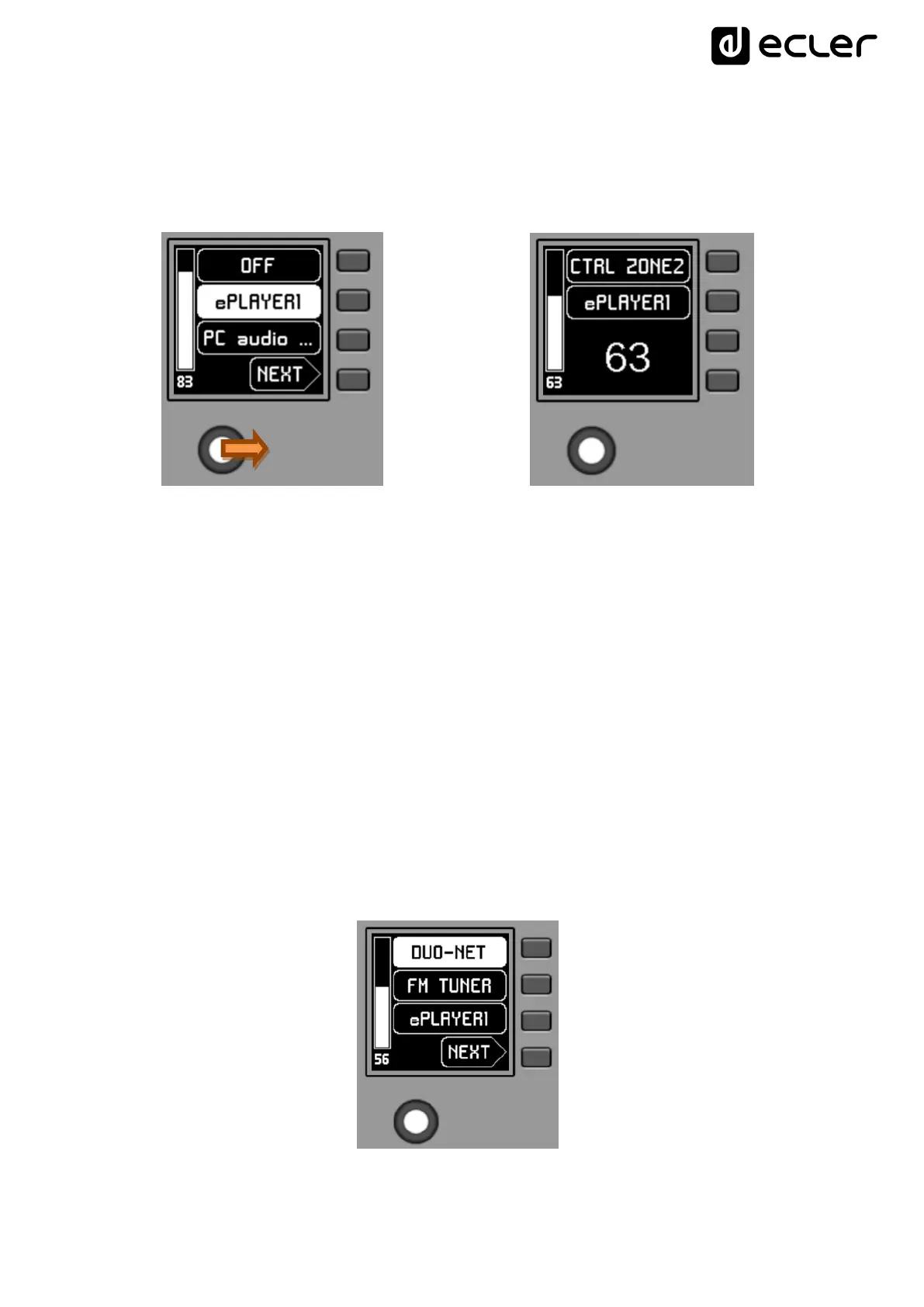
options for the MULTI panel to take its role: CTRL ZONE1 and CTRL ZONE2. By means
of K1 and K2, in this case, it is possible to select one or the other. Example by selecting
the individual panel CTRL ZONE2 (key K2):
-> control twist =
It can be seen in this case that the selection carousel options and the rest of the
information of the individual panel WPNET4KV "CTRL ZONE2" are different from those
of the previous panel "CTRL ZONE1".
From the EclerNet Manager application it is possible to define:
Number of individual panels included in a project
Specific programming of each of the above, and link or not to real panels hardware
Number of panels WPNET4KV and/or WPNET12KV type MULTI
Programming of the same: selection, from the list of individual panels type
WPNET4KV and WPNET12KV previously defined, of which of them will be part
of the list of options to take their role.
Once the unit is connected to the network, powered (via PoE or optional external power
supply) and correctly configured from the EclerNet Manager application, the main screen
will display an image similar to the following:
Main screen, example



 To Next Page