16
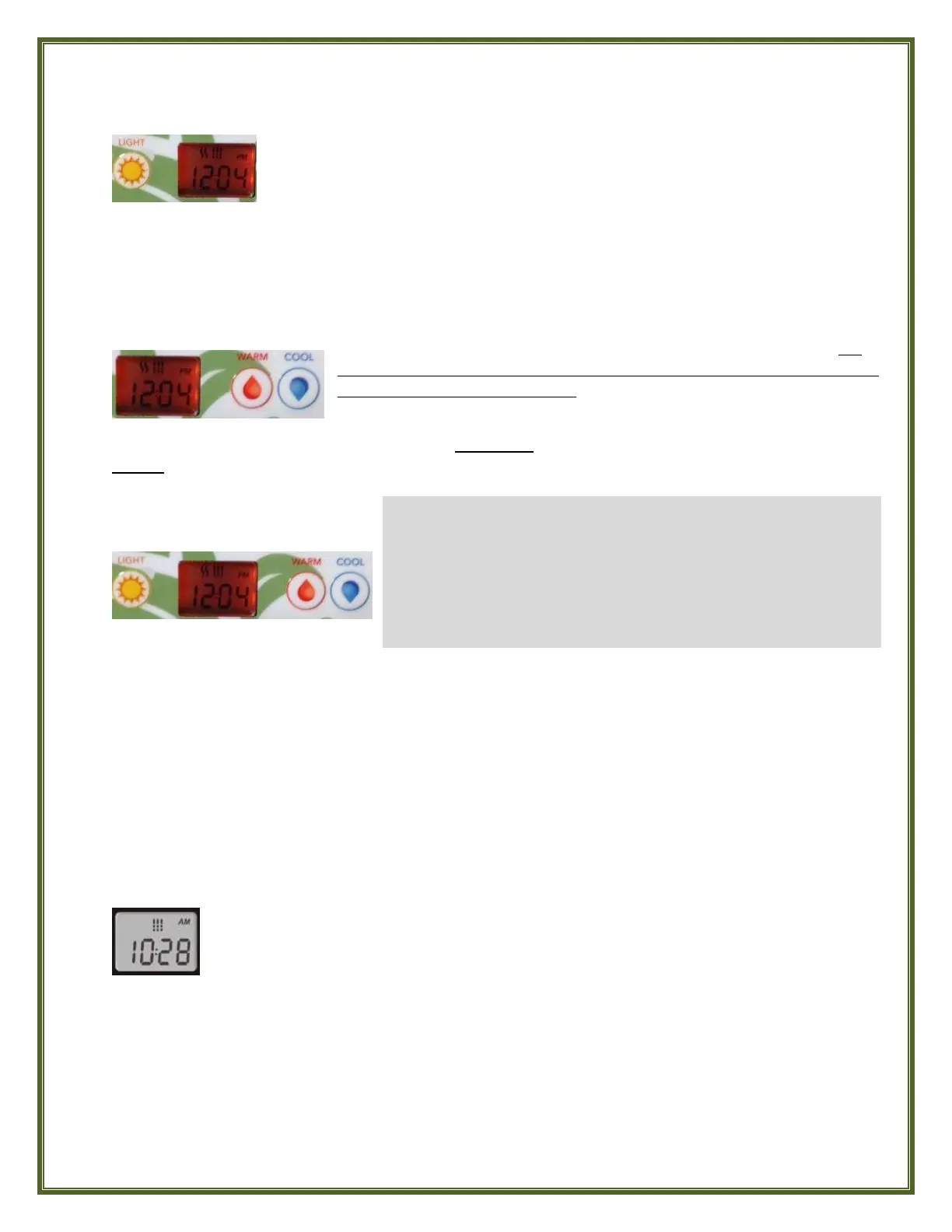
LIGHT Button
Press the LIGHT button a second time to turn the light Off. Repeat this on/off operation to
change the light’s various colors. A built-in timer automatically turns light off after 2 hours of
continuous use to conserve energy.
WARM & COOL Buttons
(The "Set Point" icon showing solid in the display at this time indicates that the display shows the
desired temperature, NOT the current water temperature).
PROGRAMMING
To access the PROGRAM Menu press and hold the LIGHT button FOR A FULL 5 SECONDS.
SETTING THE CLOCK
Press the LIGHT button to jump to view the next parameter, Minutes, flashing in the display,
and use the WARM or COOL button to adjust the Minutes to the correct time.
Press the LIGHT button to jump to the next parameter, the FILTER START time (FS).
Press the LIGHT button to turn On the spa’s underwater Multi-Color LED Mood
Light, if so equipped. The red indicator light adjacent to the button indicates that
the Light is On.
Use the WARM or COOL button to set your desired water temperature. For
your health and safety, the temperature Set Point limit has been preset at the
factory to not exceed 104°F (40°C). The temperature Set Point will be displayed
for 2 seconds to confirm your new selection.
PROGRAM Menu
The following parameters are set using the PROGRAM Menu:
Clock
Filter Cycle
Economy Mode
Temperature Units
Before accessing the Program Menu, be prepared with what you want your settings to be for each of
these parameters because once in the Program Menu if there is no action taken for 10 seconds, the
system will exit the Program Menu without saving any changes and you’ll have to start over.
While you are in the PROGRAM Menu, use the WARM or COOL button to adjust a parameter UP or
DOWN as needed. Press the LIGHT button to jump to the next parameter. Any changes made will be
saved after confirmation of the last parameter only.
Access the PROGRAM Menu by pressing and holding the LIGHT button for a full 5
seconds. The display will show the current clock setting with the Hour flashing.
Observe whether AM or PM is displayed above the Hour digits and use the WARM
or COOL button to adjust the Hour to the correct current time.



 To Next Page