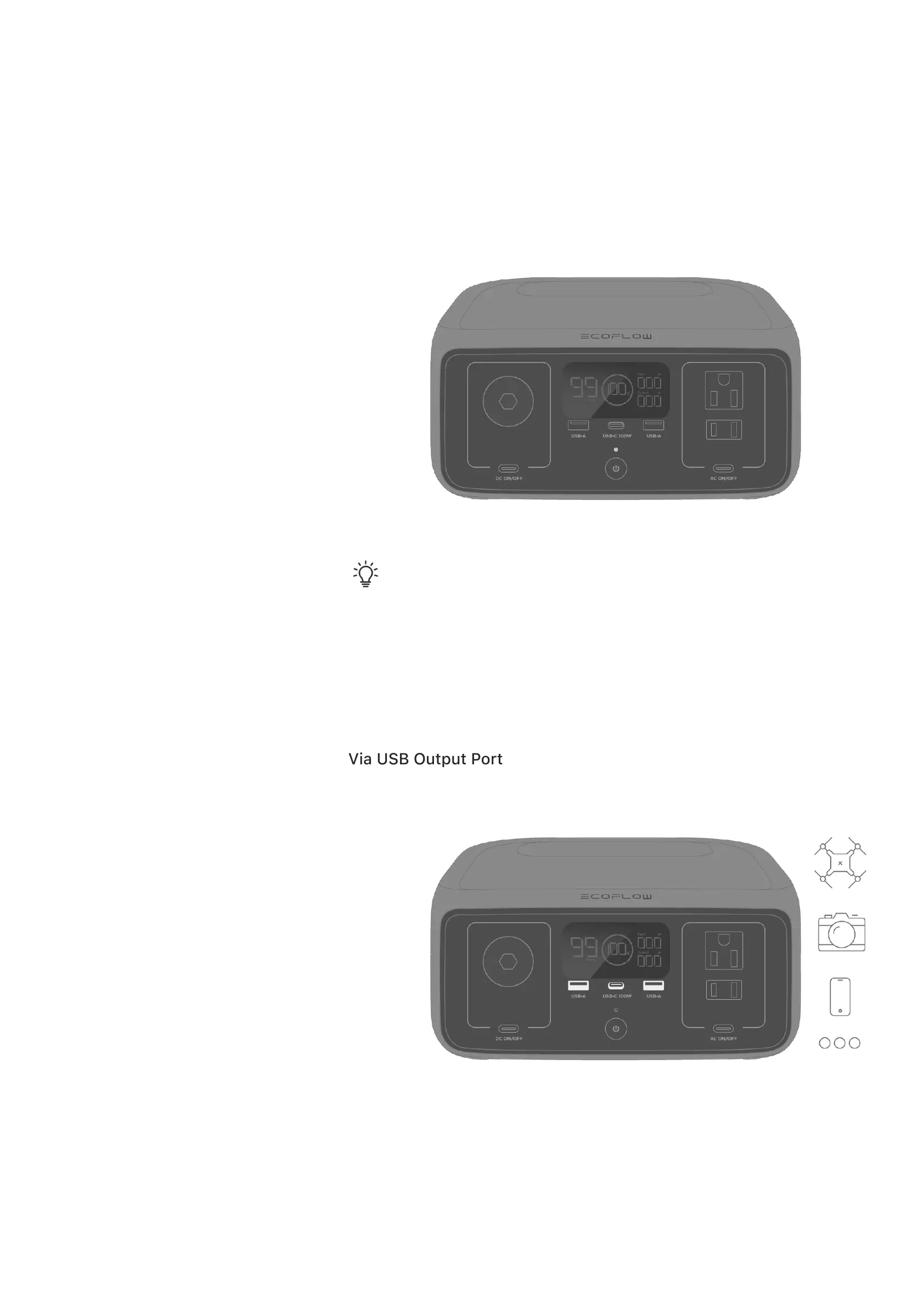
Power On/Off
Power On: Short press the main power button
Press the main power button again to turn off the display screen. If the power
station is not used for 5 minutes, it will enter hibernation and the display
screen will turn off.
Power Off: Long press the main power button for about 3 seconds
Tip:
When the power station is charging, it can't be turned off by long
pressing the main power button unless the charging cable is unplugged
first.
Power Your Appliances
Via USB Output Port
Connect your devices directly to the USB ports on the power station.
Via AC Output Socket
Press the AC output button once to turn on/off the AC output socket.








 To Next Page