EN∣26
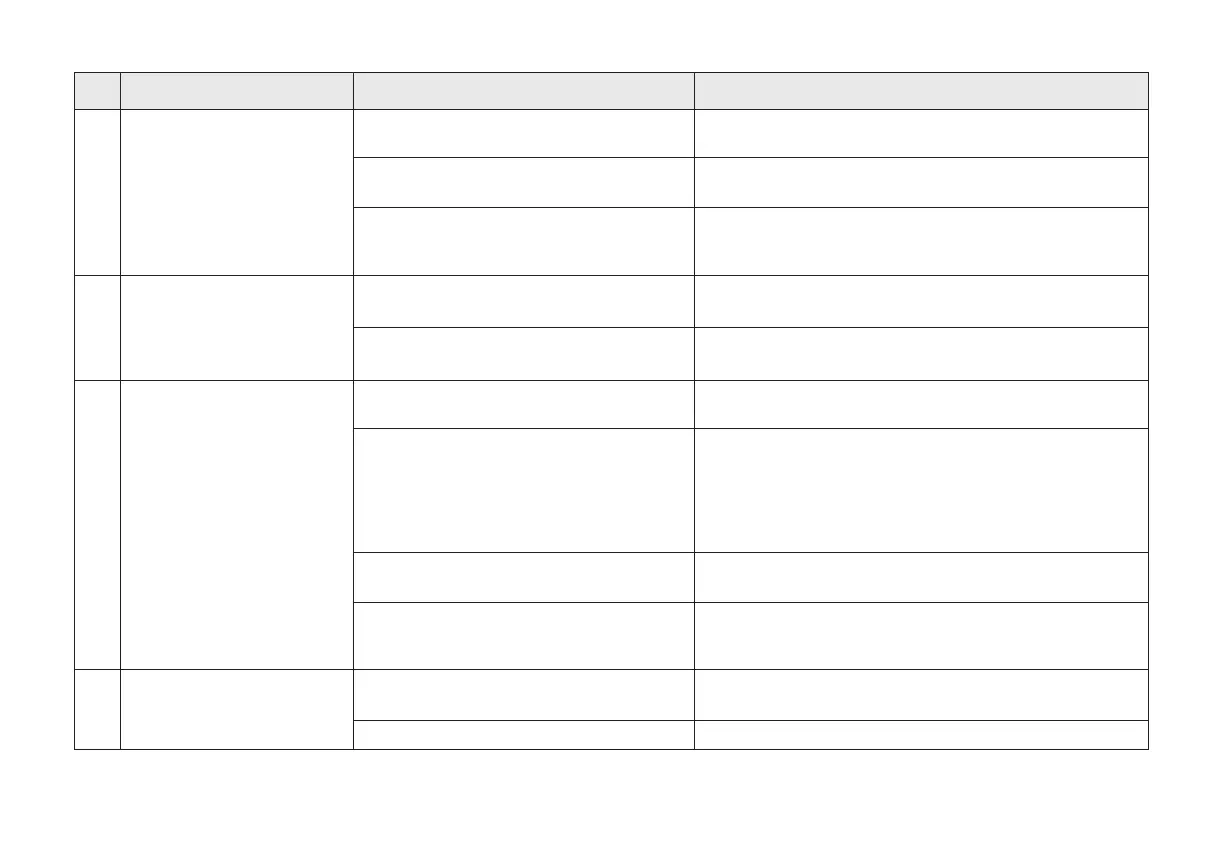
Auto-Empty Station is powered off or moved
by people.
Please ensure the Auto-Empty Station is powered on, and
don't move Auto-Empty Station.
The Robot doesn't start working from the the
Auto-Empty Station.
The charging route is blocked. For example,
the door of the room with the Auto-Empty
Station is closed.
It is recommended that Robot start cleaning from the
Auto-Empty Station.
Keep the charging route clear.
NO. Issues Possible Causes Solutions
The room is so large that Robot needs to
return to recharge.
Robot is unable to reach certain areas
blocked by furniture or barriers.
Robot's Charging Contacts are not
connected to the Auto-Empty Station
Charging Contacts.
Make sure that the Robot’s Charging Contacts have
connected to the Auto-Empty Station Charging Contacts and
“START Button” ashes. Check whether Robot's Charging
Contacts and Auto-Empty Station Charging Contacts are dirty.
Please cleanthese parts according to the instructions in the
charpt “Maintenance”.
Auto-Empty Station is not connected to
power supply.
Please enable Continuous Cleaning. For more details, please
follow the App instruction.
Tidy up the area to be cleaned by putting furniture and small
objects in their proper place.
Ensure Auto-Empty Station is connected to power and the
indicator is on.
5
6
Robot is unable to charge.
Robot returns to the
Auto-Empty Station before it
has nished cleaning.
7
Battery temperature is too high or too low.
Extended periods of non-use may lead to
over-discharge of the battery.
Side brush and Main Brush are entangled.
Dust Box and lter are blocked.
It is recommended to clean the side brush, main box, dust
box, lter, etc. regularly.
Abnormal noise during
cleaning.
Please charge and operate the Robot in the temperature
between 0-40 degree.
We recommend using the product regularly. If extended
periods of non-use result in charging issues, please contact
customer service for assistance.
The Robot is in max mode. Change to standard mode.













 To Next Page