16EN
To enjoy all available features, it is recommended to control your
WINBOT via the ECOVACS HOME App.
a. Multiple Cleaning Modes
b. Troubleshooting
c. Remote Control
Deep Cleaning Mode: Clean for multiple times.
Fast Cleaning Mode: Realize all-round cleaning.
Spot Cleaning Mode: Say goodbye to stubborn stains.
When the WINBOT alarms, do not panic. You can check the detailed
troubleshooting guidance through the App.
Through the App, you can remotely control WINBOT. This function
supports views of both inside and outside windows, spot cleaning
and manual water spraying.
2.4 Advanced Function
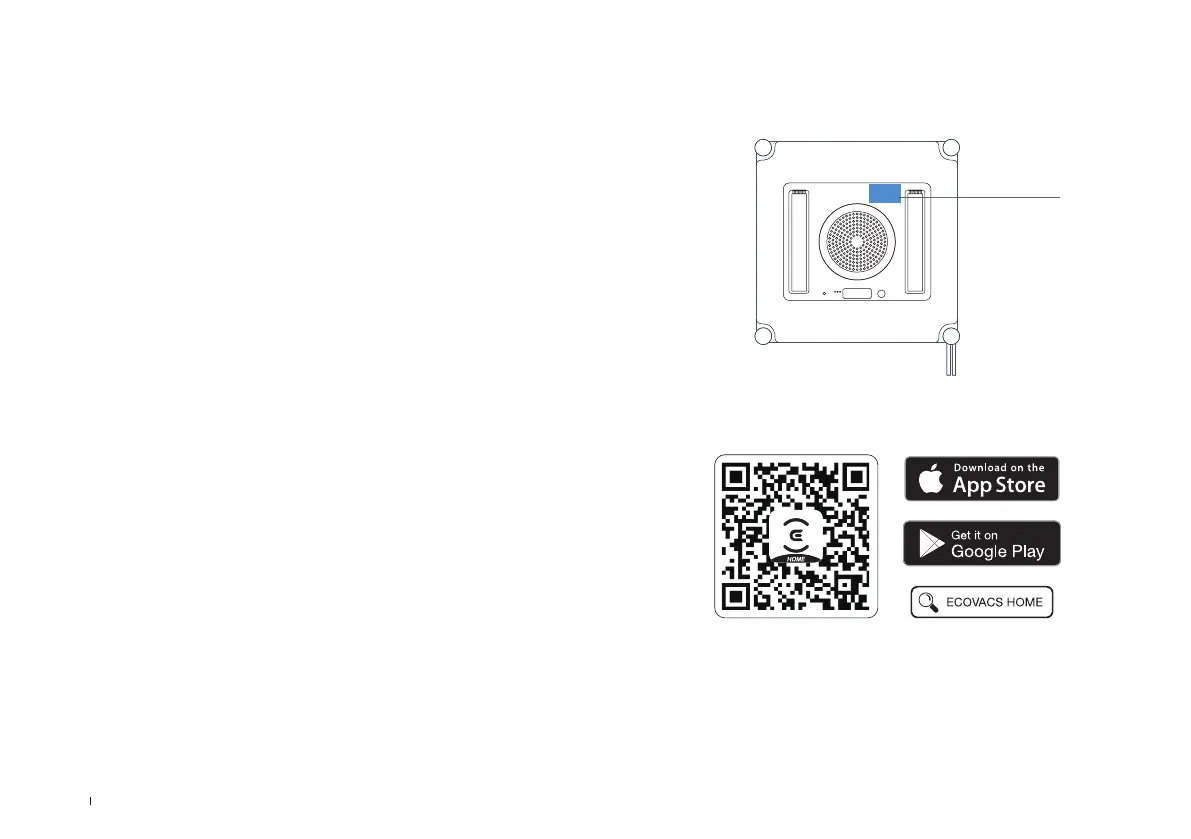
Bottom
Note: When installation completed, please complete registration, login and
network connection according to the guidance in the App.
1. Scan the QR Code under the Top Cover to download the App.
2. Scan the QR code or search and download the ECOVACS HOME App in
the app store.
iOS
Android



 To Next Page