20EN
5. Troubleshooting
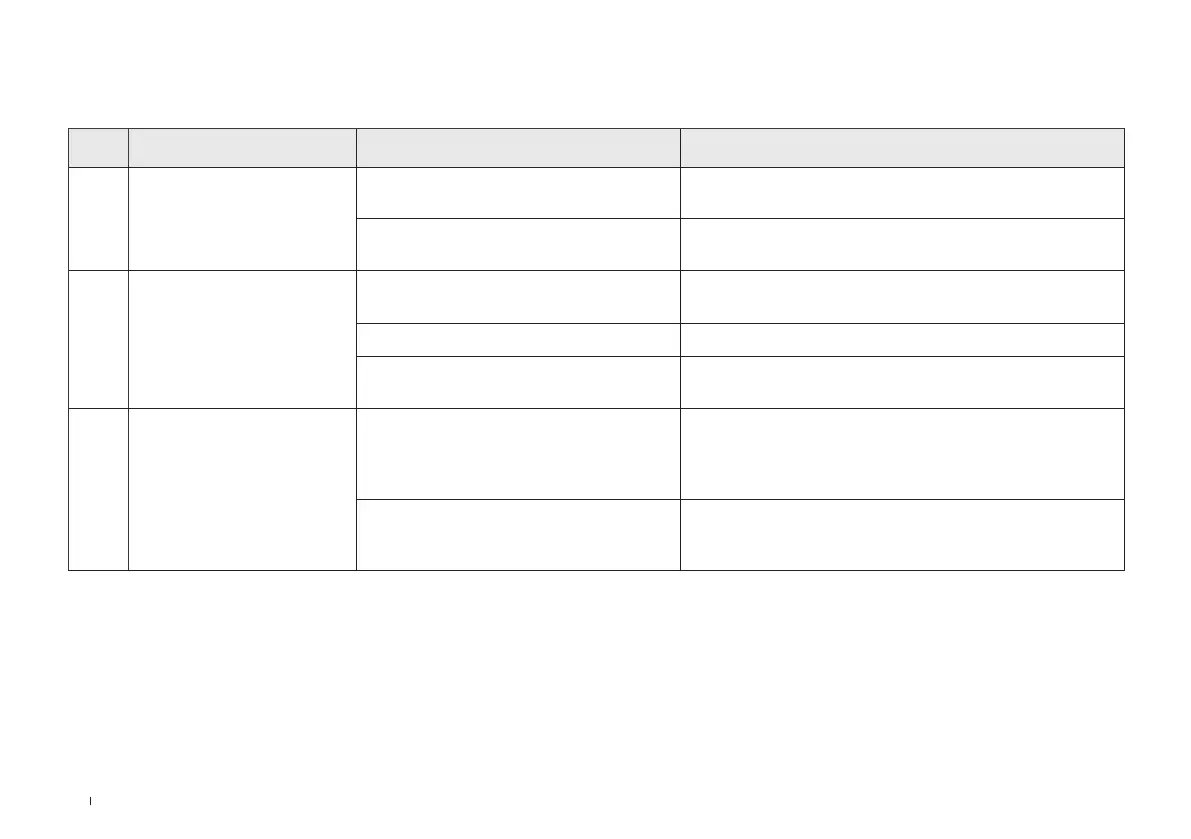
NO. Malfunction Possible Causes Solutions
1
WINBOT slips, such as
sliding sideways or body
shaking.
The mopping pad is too wet. Replace the Mopping Pad as described in Maintenance.
WINBOT wipes non-recommended stains
such as oil stains.
Clean the Driving Wheel Tracks as described in
Maintenance.
2
WINBOT voice prompts
"Insufficient air pressure".
The Mopping Pad is attached improperly.
Please remove the Mopping Pad and reattach.
There are gaps or cracks on the window. Do not use WINBOT on the surface with gaps.
There are low obstacles on the window
surface.
Manually cover the obstacles before using WINBOT.
3
WINBOT voice prompts
"Stuck".
The Driving Wheel Tracks are stuck.
Check if there is any dust or debris on the Driving Wheel
Tracks. If so, please clean them with tools.
Then restart WINBOT for auto cleaning. If problem persists,
please contact customer service.
There are low obstacles on the window
surface.
WINBOT cannot detect obstacles or frames with a height
lower than 4mm. In this case, please go to the App and
follow the instructions to help WINBOT out.
5.1 Malfunction Elimination



 To Next Page