Features List
1.
2. Waterproof
3. Bluetooth mode, FM mode, AM mode, AUX 1 mode, AUX 2
mode Optional
4. Bluetooth Connection (Bluetooth V4.0)
5. Music Playing Control
6. Bluetooth Stereo (A2DP/AVRCP)
7. EQ(Default,Bass Boost, Treble Boost, Rock, Jazz) Optional
8. Microphone Input
9. AUX 1, AUX 2 Input
10. USB Charging Ports
11. Master Volume Adjustable(30 levels)
12. Microphone Volume Adjustable(30 levels)
13. Preset the AM/FM Station
14. Store 6 AM Stations
15. Store 6 FM Stations
16. Link Two EcoBoulders
17. Indication(Low battery/Charging/Full charged)
18. Turn On/Off Backlight
19. Bluetooth for 10m distance
Clear and Crystal Sound , Superior Stereo Performance
3
Operations
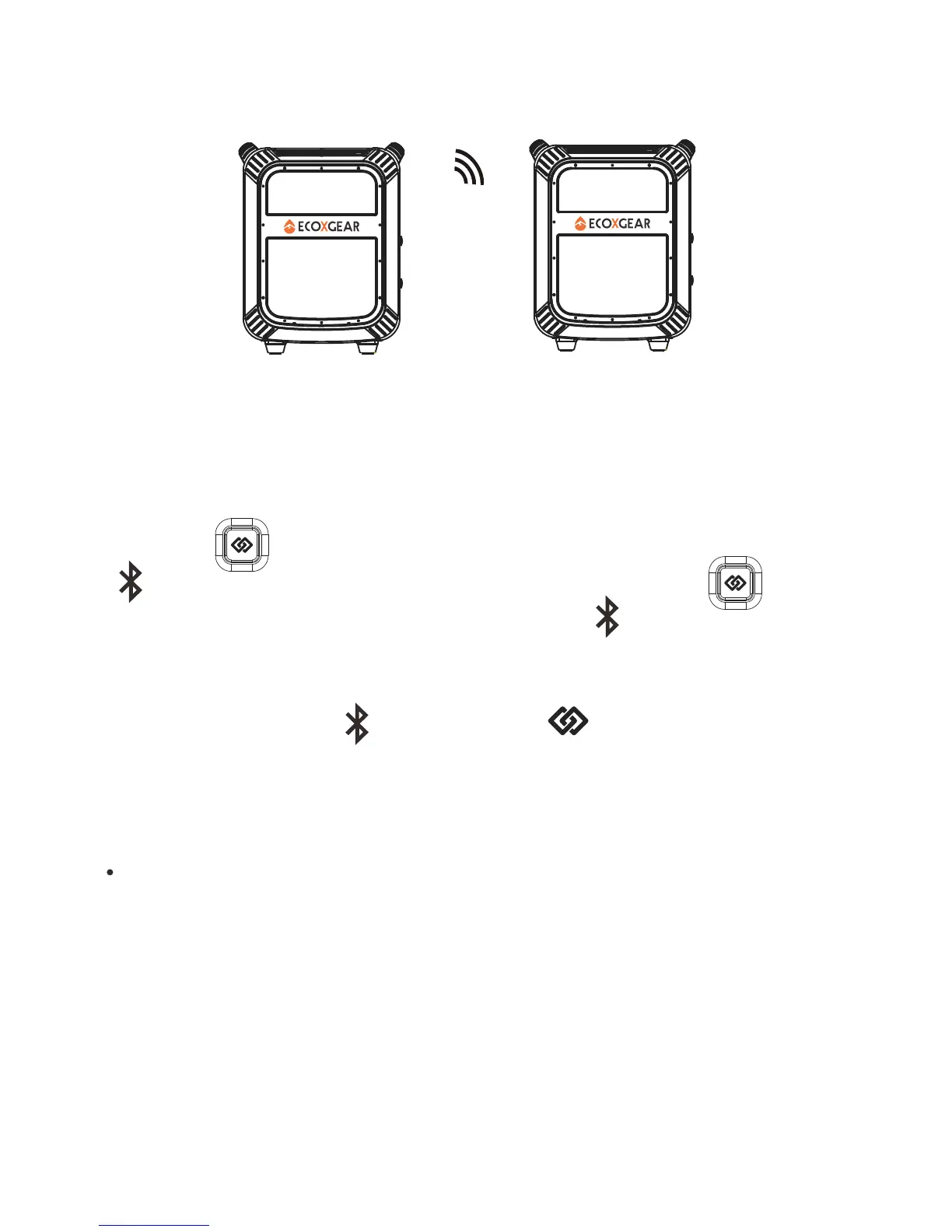
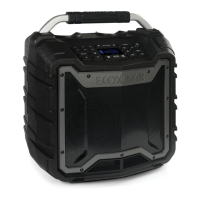
Linking the EcoBoulder A and B together
The EcoBoulder A and B will enter pairing mode automatically
after power on. (Note:When the EcoBoulder A and B are
linked together, there is only one EcoBoulder can be paired
with the Bluetooth device).
1. Press briefly on the EcoBoulder A. The Bluetooth icon
on the EcoBoulder A will start flashing. Press briefly
on the EcoBoulder B. The Bluetooth icon on the EcoBoulder
B will start flashing.
2. After a few seconds, the EcoBoulder A and B are linked,
The Bluetooth icon and link icon on the EcoBoulder A
and B lit solid, “Connection successful” verbal response will
be heard.
The EcoBoulder A and B will NOT relink automatically the
next time they are both power on.
a
Note:
EcoBoulder A
EcoBoulder B
18




 To Next Page