42
Operating Instructions
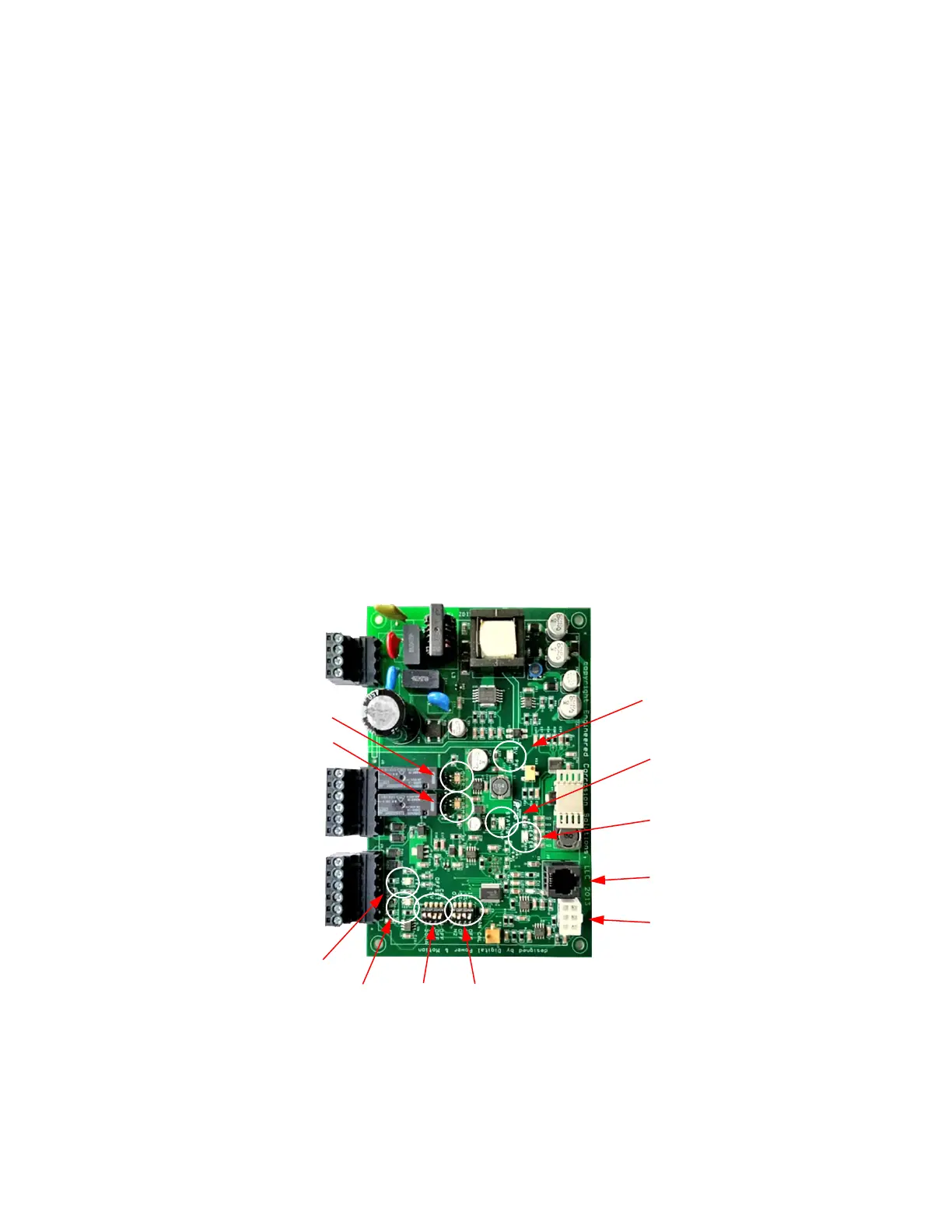
1. Once unit is verified to be wired correctly, power unit on. The status LED light will repeatedly flash
green two times quickly for two (2) minutes. The sensor heater is warming up during this period.
2. After the two-minute warm-up period, the sensor and status LED light will flash green one time
repeatedly indicating normal operation. At this time, the display will show the current average
concentration of the feed gas.
Calibration
NOTE: Please contact ECS before any calibration adjustment
1. Allow SMART Gas Analyzer to sample fresh compressed air for a minimum of ten (10) minutes.
2. Switch N
2
/O
2
switch (SW 1-1) to O
2
position.
3. If digital display not reading approximately 20.9%, switch CAL switch (SW 2-4) to CAL position.
4. Allow SMART Gas Analyzer to remain in Calibration Mode and sample the gas for a minimum of
ten (10) minutes to allow SMART Gas Analyzer to recalibrate.
5. Switch CAL switch (SW 2-4) to Off position.
6. Verify digital display is reading approximately 20.9%.
7. Switch N
2
/O
2
switch (SW 1-1) to N
2
position.
PC Board - LED Locations


 To Next Page