Technical manual C1P2FXBT – V1.7 p 15/28
2) Using the control unit keys
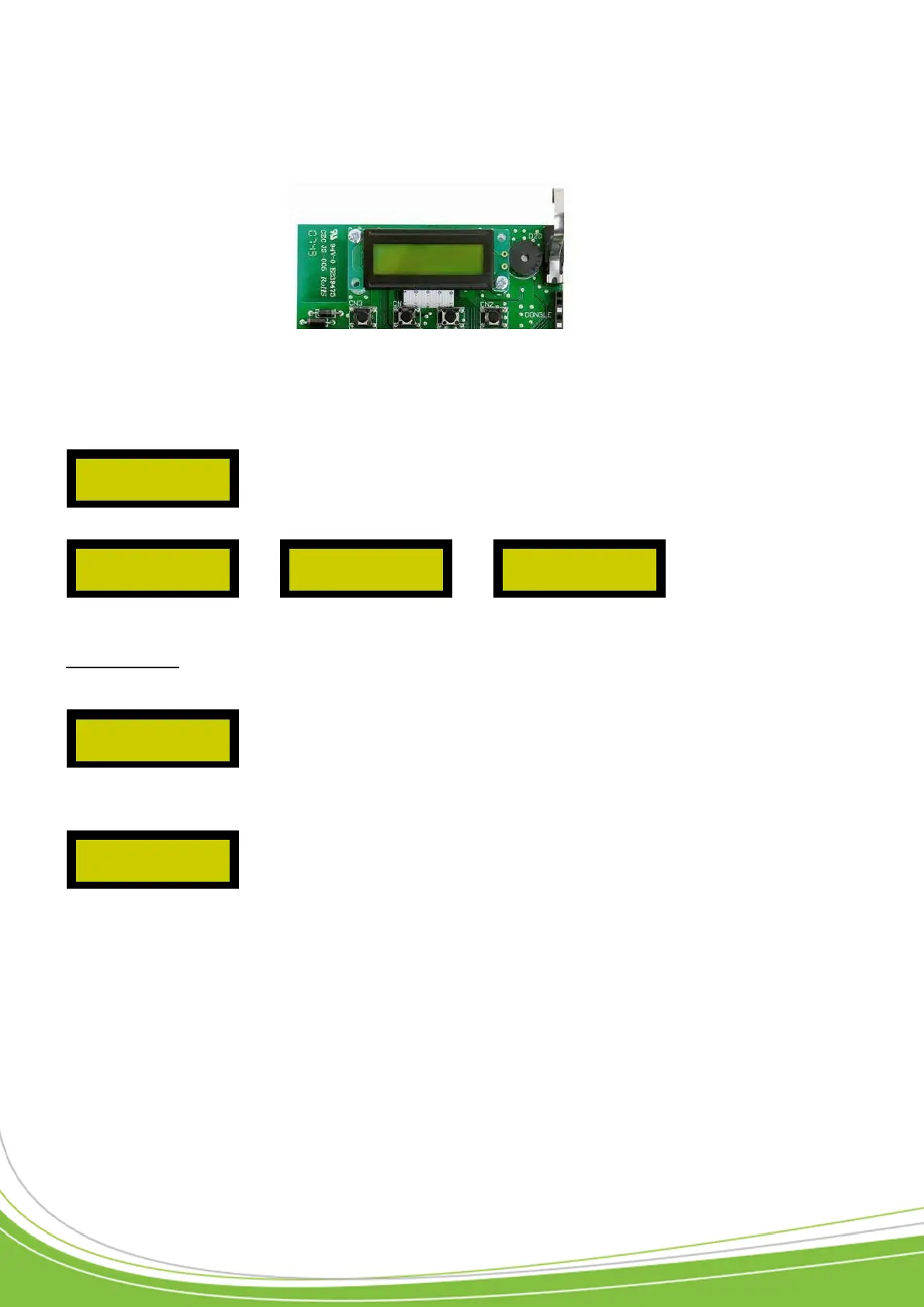
The control unit has four keys laid out as below:
The sub-menu is made up of
Once the sub-menu is selected, press the “V” key.
o Create users
Once the menu is confirmed, the control unit asks you to enter the first number.
To do this, scroll through the chosen numbers, using the “+” and “-” keys. To confirm, release
the keys for at least a second. Continue like this until the number is complete.
Example: To enter the number 1.
• You can then confirm it by pressing the “V” key. To erase a figure, press the “A” key.
• Now enter the quantity in the same way and the user authorizations (authorized users as well as
the access time range).
• A summary shows you what data you have entered.
• To confirm, press the “V” key.
Confirm Key
(Confirms a menu /
a value entered)
( V )
Cancel key
(Leaves a menu /
cancels a value
entered)
( A )


 To Next Page