Technical manual C1P2FXBT – V1.7 p 24/28
C1P2FX / C1P2FX BT
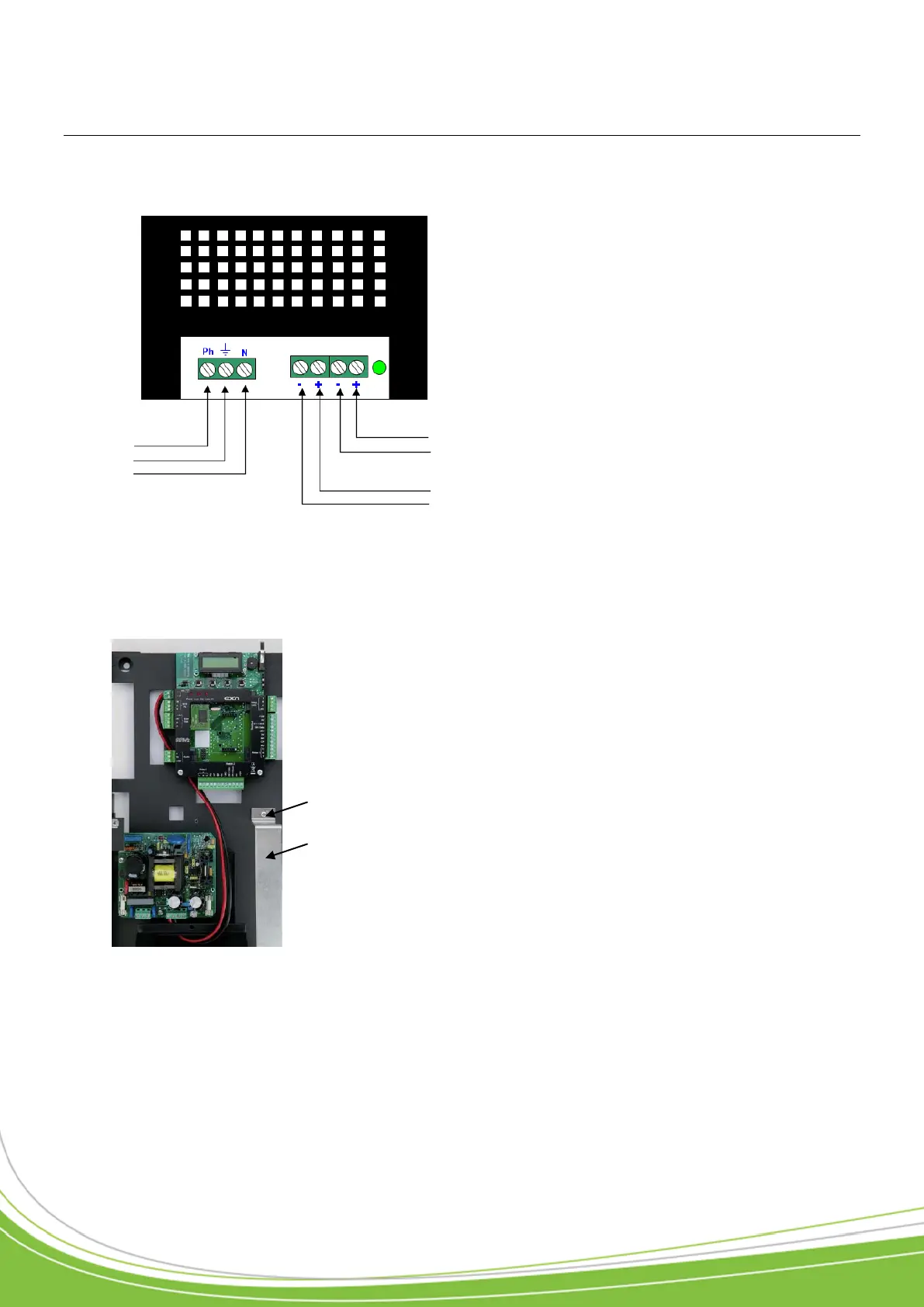
1) Connecting to the power supply
2) Connecting the battery (not supplied)
Battery to be used: 12V, 7Ah (dim. l x d: 151 x 65 mm; 5.94 x 2.56 in)
c. Connect your battery to the power supply using the cables supplied with the C1P2FX / C1P2FX
BT (ensure that you connect the “+” on the battery to the “+” on the power supply, and the same
for the “-”).
d. Re-attach the holder and check that your battery
230V~
Phase
Earth
Neutral
a. Unscrew the 2 mounting screws on the
battery holder.
b. Position your battery (connectors facing
the power supply).
Mounting
screw
Battery
holder


 To Next Page