3-8
4125 SIDE SCAN SONAR SYSTEM 0004823_REV_C
WARNING!
Do not connect the tow cable to the topside processor before connecting
it to the tow vehicle, otherwise injury or death can occur if the exposed
connector on the tow cable is energized. Always connect the tow cable to
the tow vehicle first.
When connecting the system components, refer to sub-section 3.6: 4125-P Portable Topside Processor
Connections for the location and description of the connectors. The AC Power, DC Power, and ETHERNET
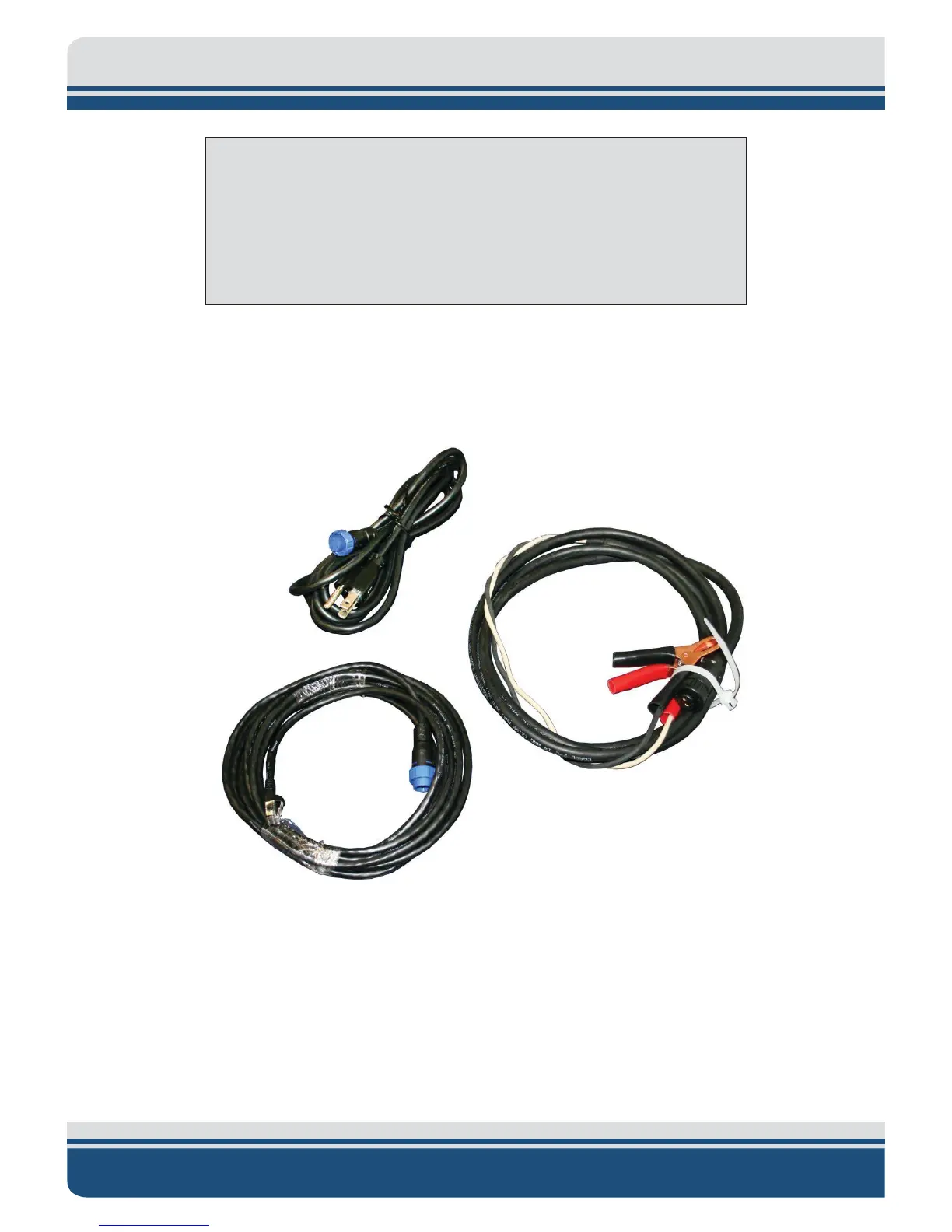
cables used with the 4125-P Portable Topside Processor are shown in Figure 3-3.
Figure 3-3: AC Power, DC Power, and ETHERNET Cables
3
Connecting and Attaching the Tow Cable to the Tow Vehicle
A tow cable is shown connected and attached to a tow vehicle in Figure 3-4.



 To Next Page