5-8
4125 SIDE SCAN SONAR SYSTEM 0004823_REV_C
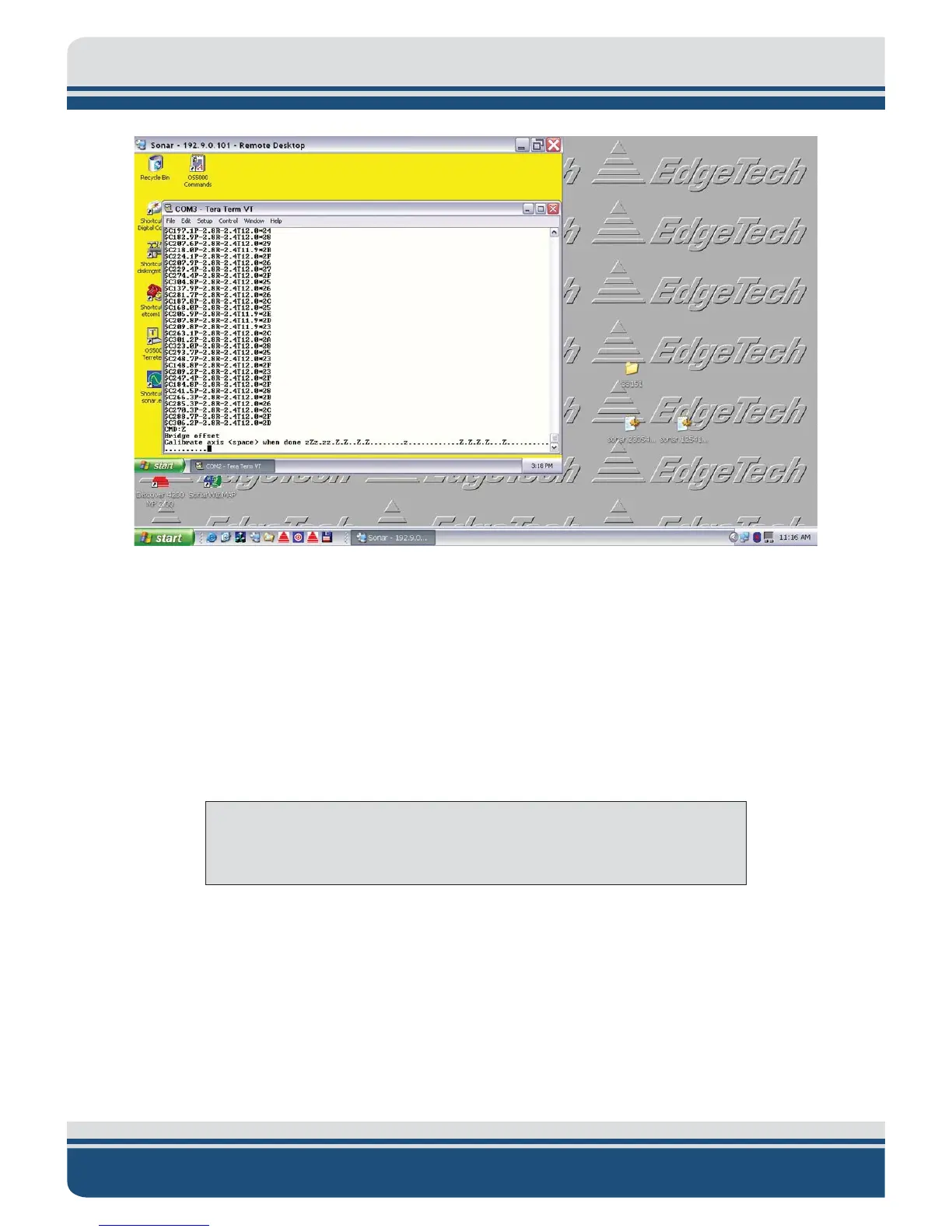
Figure 5-8: Hard Iron Z Calibration Complete
5
To perform the soft iron calibration:
1. Return the tow vehicle to its upright position.
2. Press <Esc>, and then "$."
NOTE: Double check that the nose of the tow vehicle is the north
reference and not 180 degrees off.
3. Select option 2, and then follow the screen prompts using the compass as shown in Figure 5-9 to
ensure accurate alignment as follows:
x Align platform exactly north, 0 degrees, and then press the Space bar.
x Align exactly east, 90 degrees, and then press the Space bar.
x Align exactly south, 180 degrees, and then press the Space bar.
x Align exactly west, 270 degrees, and then press the Space bar.



 To Next Page