5-3
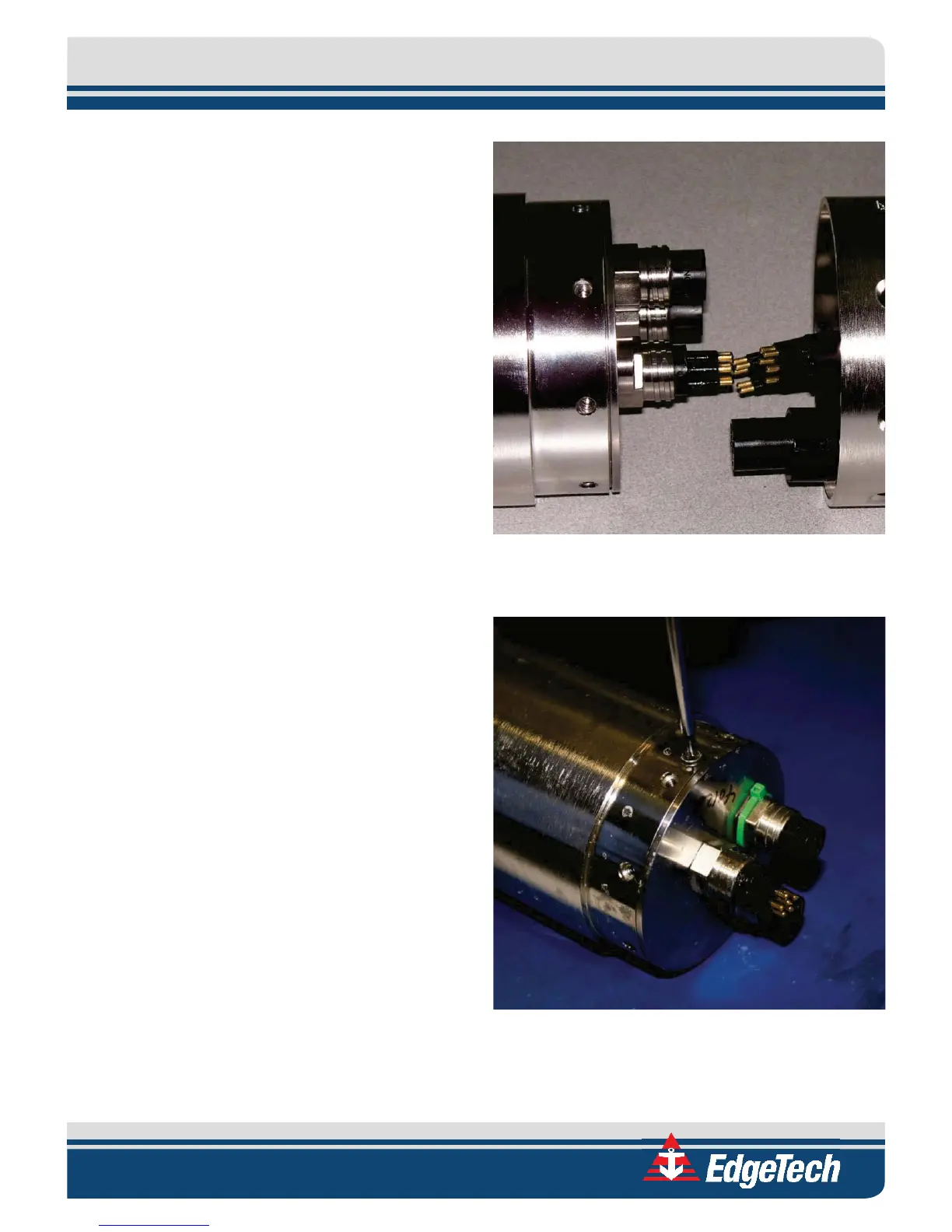
4. Disconnect the three cables from the
electronics bottle.
5. Remove the two Phillips head screws from
the electronics bottle. These screws are
located under the “Void if Removed” labels.
6. Remove the electronics chassis from the
electronics bottle by pulling the electronics
bottle connector end cap straight out as
shown in Figure 5-5.
7. Lay the electronics chassis on a clean, flat
surface.
Figure 5-3: Cables Disconnected from the Electronics
Bottle
Figure 5-4: Removing the Phillips Head Screws from the
Electronics Bottle



 To Next Page