79
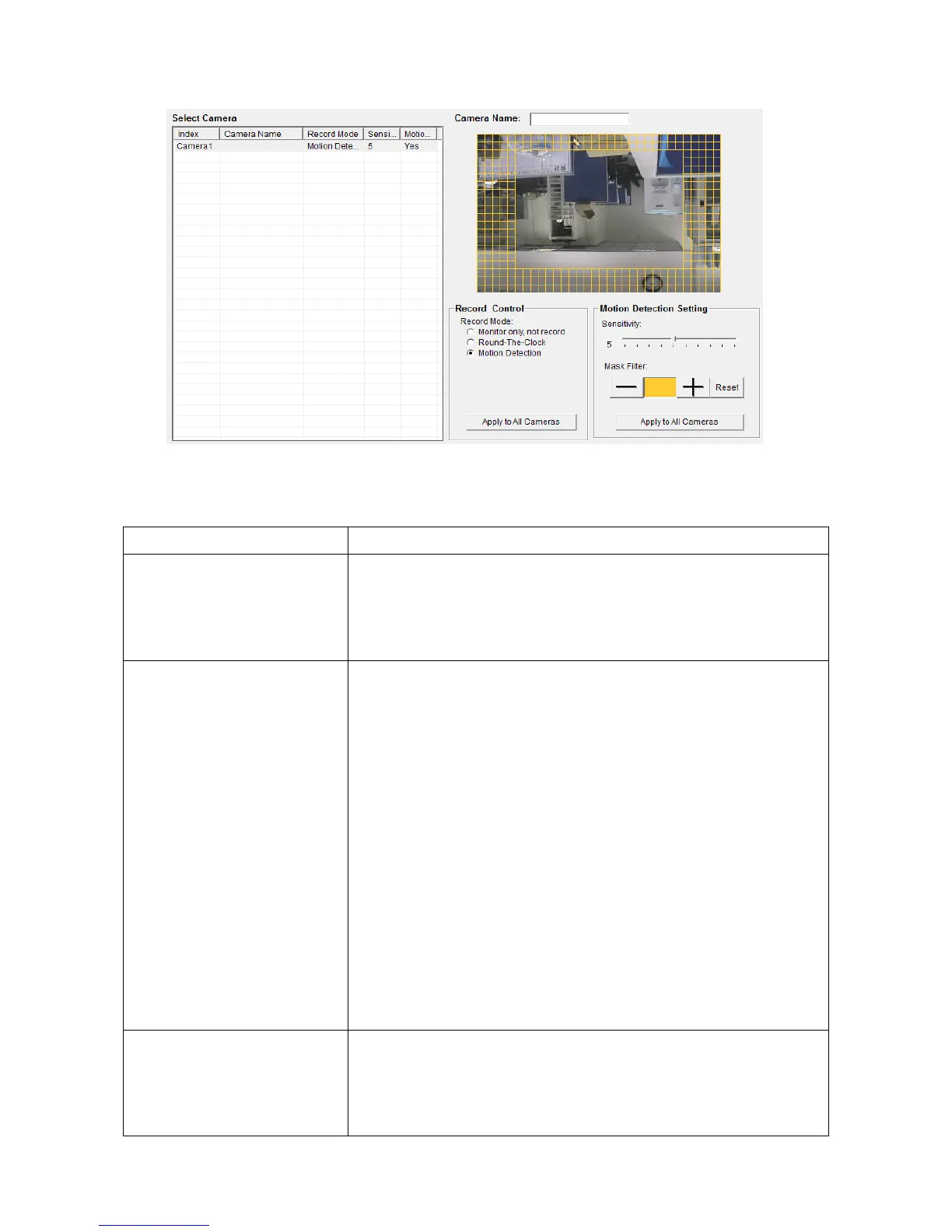
The descriptions of every item are listed as follow:
All IP camera’s Please select an IP camera from the list
to setup its recording behavior. EdiView will attempt
to connect to selected IP camera, if it’s not
connectable, you’ll receive an error message later.
You can decide the recording behavior for this IP
camera:
Monitor only, not record: EdiView will not record video
of this IP camera.
Round-The-Clock: EdiView will record video of this IP
camera all the time.
Motion Detection: EdiView will only record video
when motion is detected.
Apply to All Cameras: Click this button to apply current
record control settings to all IP cameras on the list.
Sets motion detection area and sensitivity. Please select
an IP camera from the list, and its video will appear
with a grid pattern:



 To Next Page