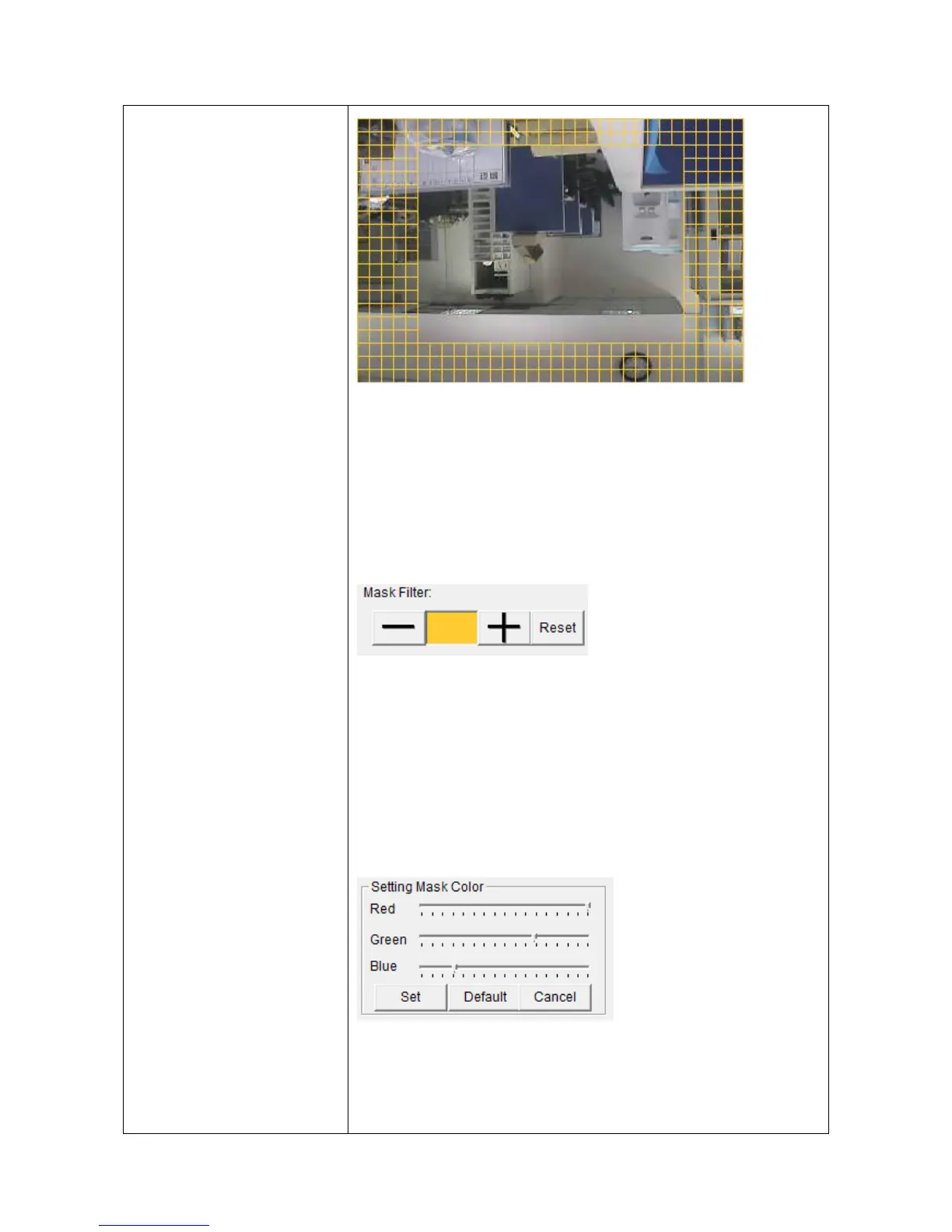
Use the mouse to click blocks on the grid pattern to
assign the areas you wishes EdiView to detect / ignore
motion. EdiView will detect motion for areas which
are NOT covered by blocks only.
To add or erase blocks:
To add blocks, click + button; to erase blocks, click-
button. Click ‘Reset’ button to reset motion detection
blocks to default setting. You can also change the color
of block if its color is similar to the IP camera’s video
and makes you hard to identify the blocks by click the
color brick between + and - button:
Drag red, green, and blue slide bar to set color, and click
‘Set’ button to save changes, click ‘Default’ button to
reset settings, and click ‘Cancel’ to leave this menu



 To Next Page