9
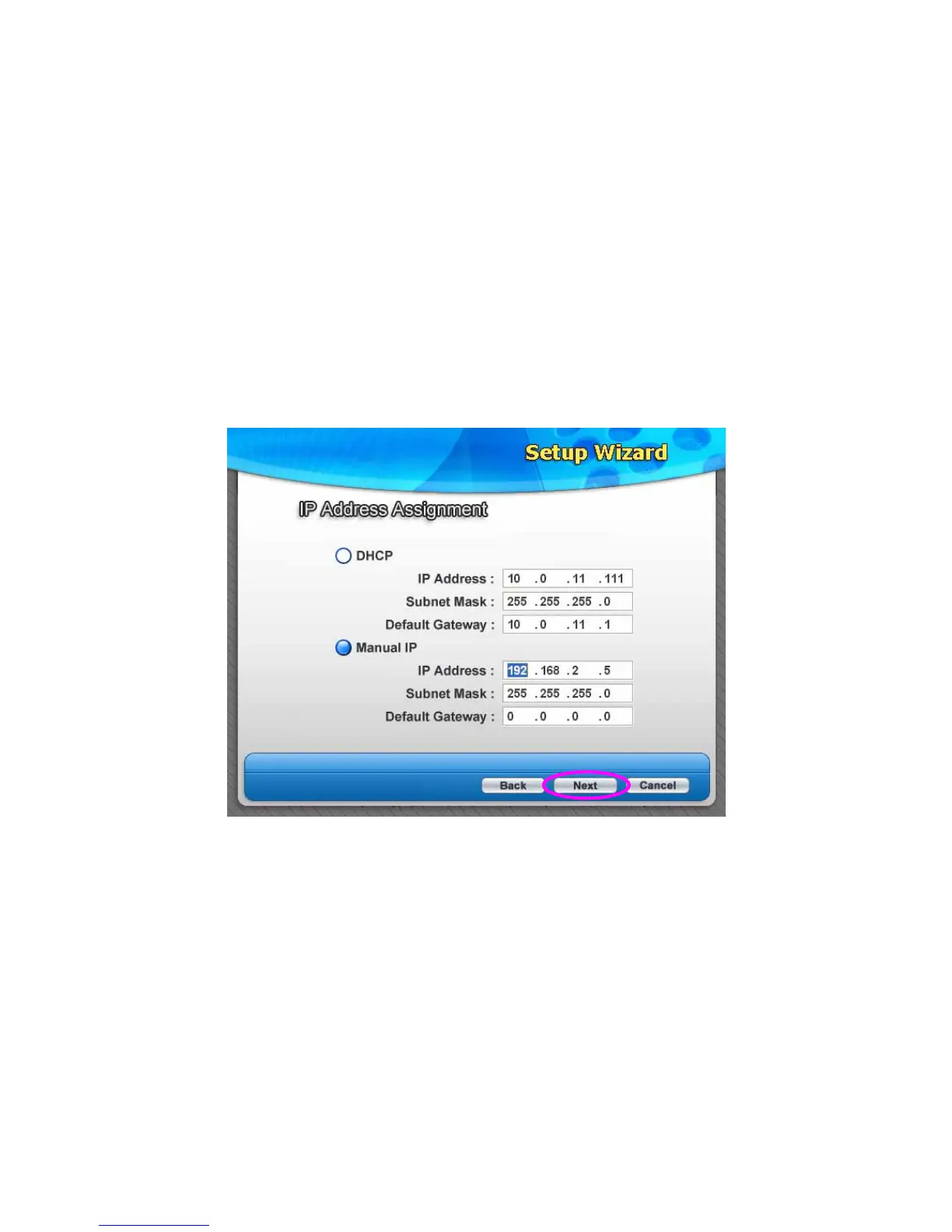
5. The wizard will try to determine your network settings automatically. If a
DHCP Server is present within the network, the wizard will automatically
obtain and configure the network settings assigned by the DHCP Server to
the server. The assigned IP Address will be shown in the IP Address fields.
If no DHCP Server is present within the network, please assign the
network settings of the server manually. Please click “Next” once you have
found appropriate network settings for the server. By default, the network
settings are as follows.
IP Address: 192.168.2.5
Subnet Mask: 255.255.255.0















 To Next Page