26
7.2 FTP Server
To set the USB mass storage or USB Flash Disk as FTP Server for your FTP
clients to upload/download files from the server, please follow the procedures
below.
1. Open your Web Browser and enter the IP address of the server to logon to
the web management of the server. The default settings of the server are:
IP Address: 192.168.2.5
User Name: admin
Password: 1234
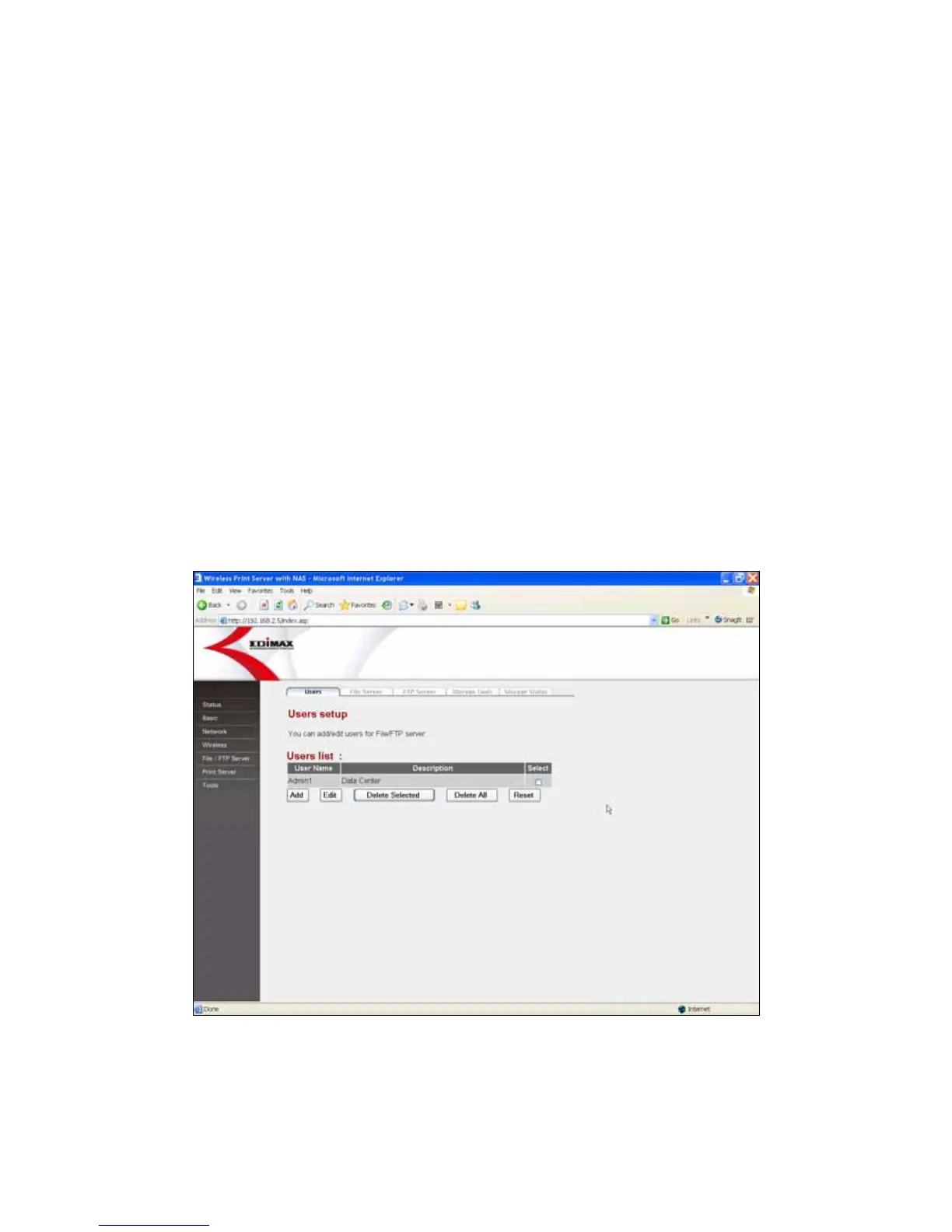
2. Set the users who are authorized to access to the USB storage device in
the “Users” menu of “FTP/File Server” page.
Click Add
Enter the user information, including User Name and Password.















 To Next Page