82
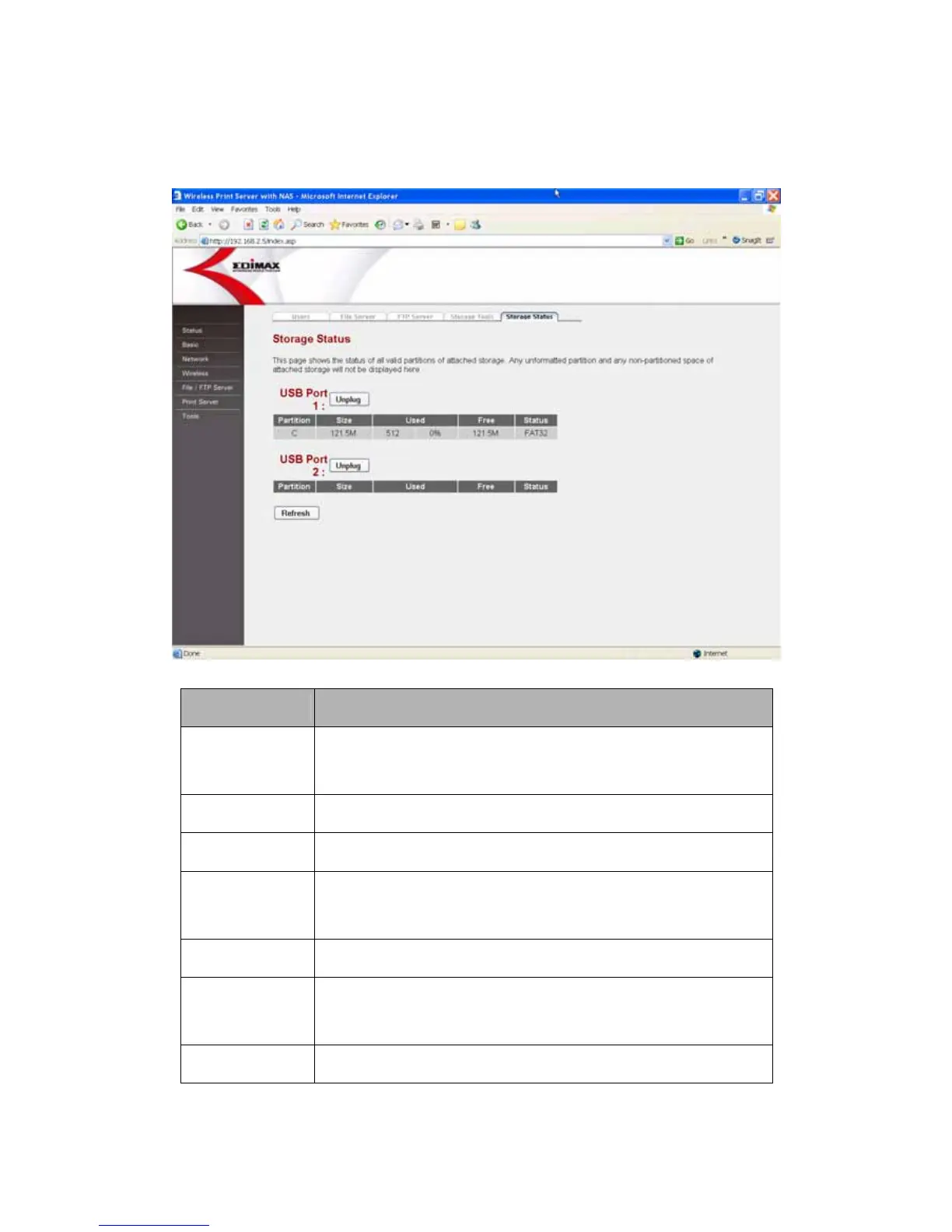
8.6.5 Storage Status
This Page shows the status of attached USB storage devices.
Parameters Description
Unplug
To safely remove the USB storage device, please click
“Unplug”.
Partition The partition names in the USB storage device.
Size Total available space of this partition.
Used
Total used space of this partition. Here shows the byte
count and the percentage of the total space.
Free This shows free space of the specified partition.
Status
The partition type of the partition. It can be FAT16, FAT32,
NTFS and Linux.
Refresh Refresh the USB storage status.















 To Next Page