65
8.5.2 IPP Printing
The server can support IPP printing in Windows 2000/XP/2003 by default. By
using the IPP printing, you can share the printer to all the PC’s that can
access the print server by IP. You can even share your printer to Internet
users.
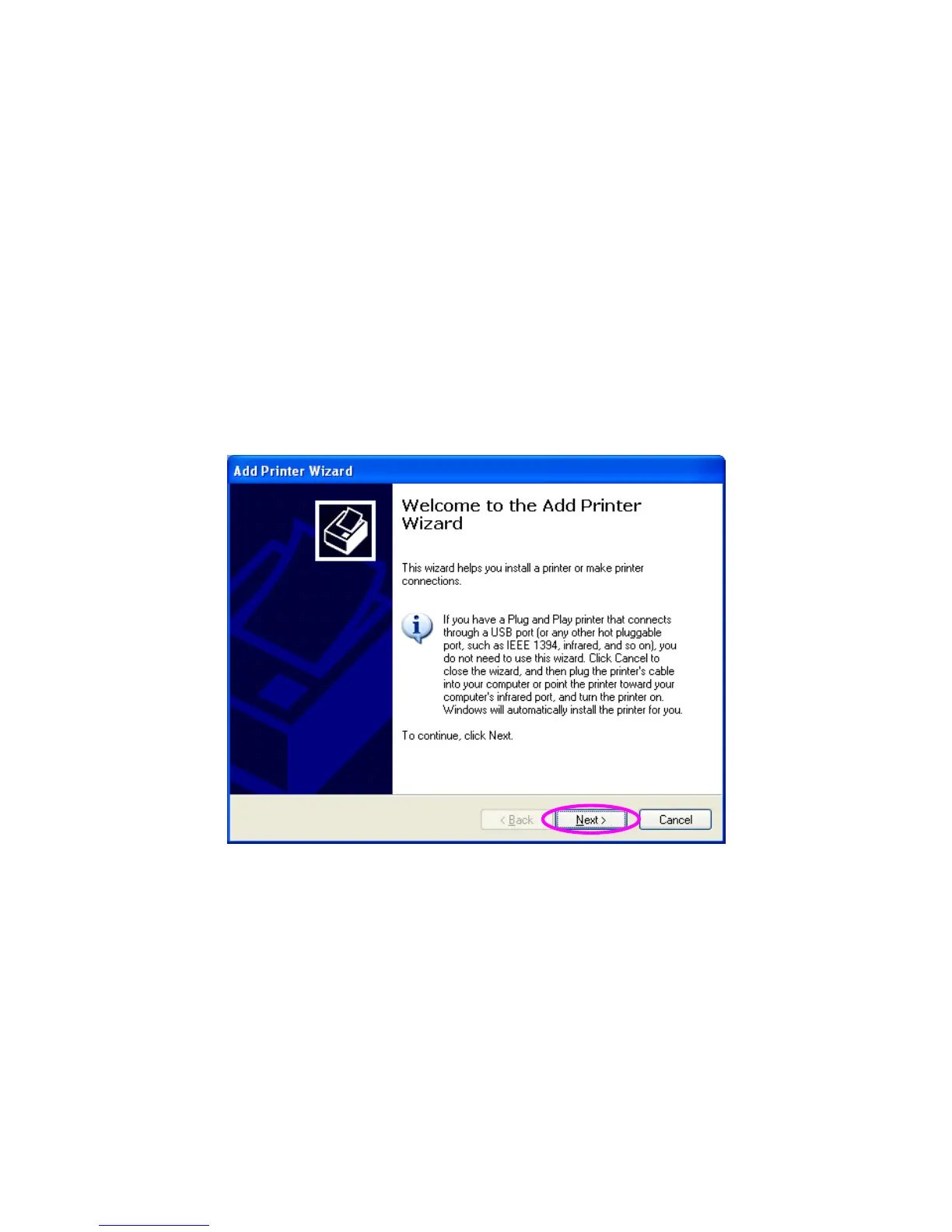
Please perform Window’s standard Add New Printer procedure.
1. Click “Start”, choose “Settings” and select “Printers and Faxes”.
2. Click “Add a Printer”.
3. The “Add Printer Wizard” is displayed. Click “Next”.















 To Next Page