64
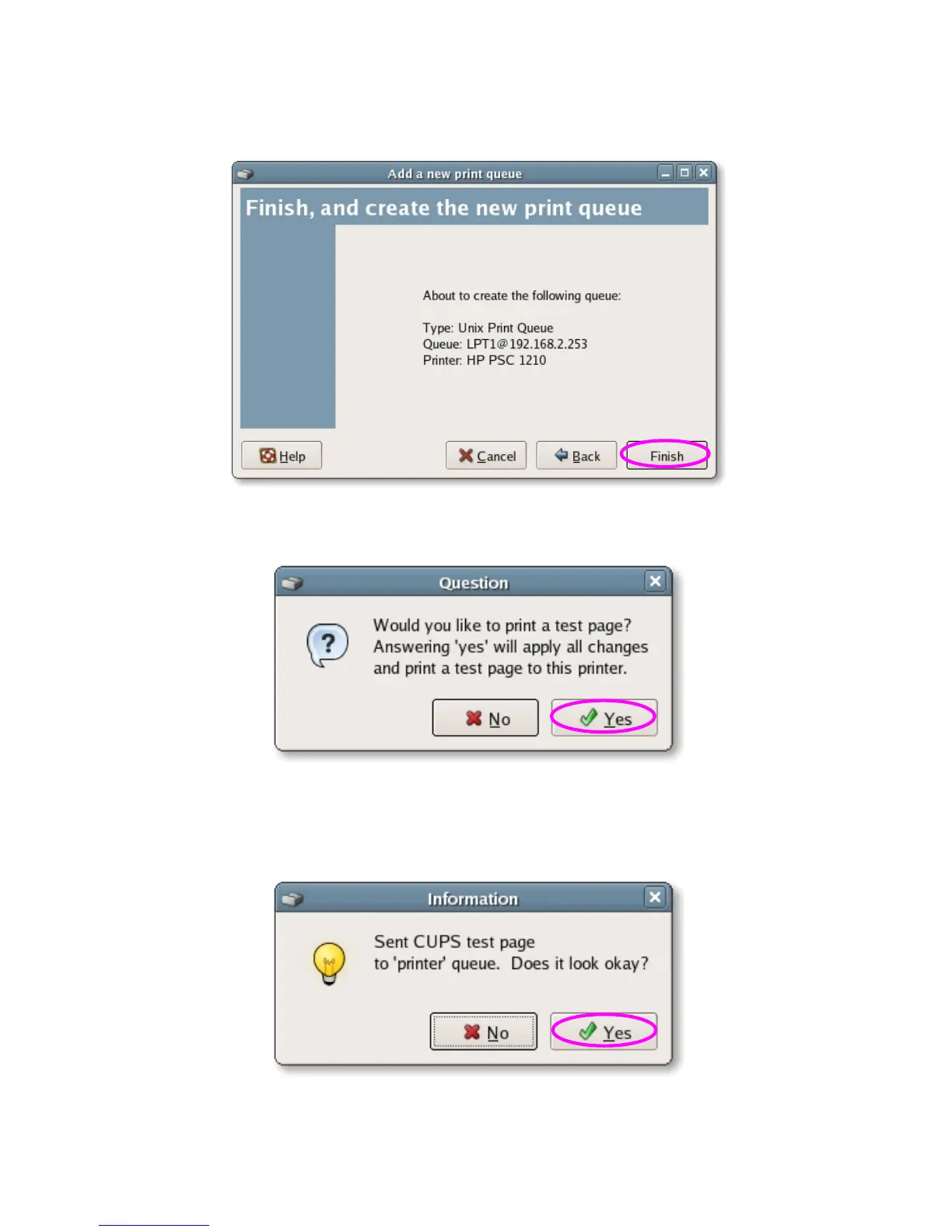
7. Please review the settings. If the settings are no problem, click “Finish”
8. To print a test page and apply all the settings, please click “Yes”.
9. If the test page is printed without problem, please click “Yes”. If it is failed
to print, please click “No” to go back to “Printer configuration - fedora”
screen and configure again.















 To Next Page