76
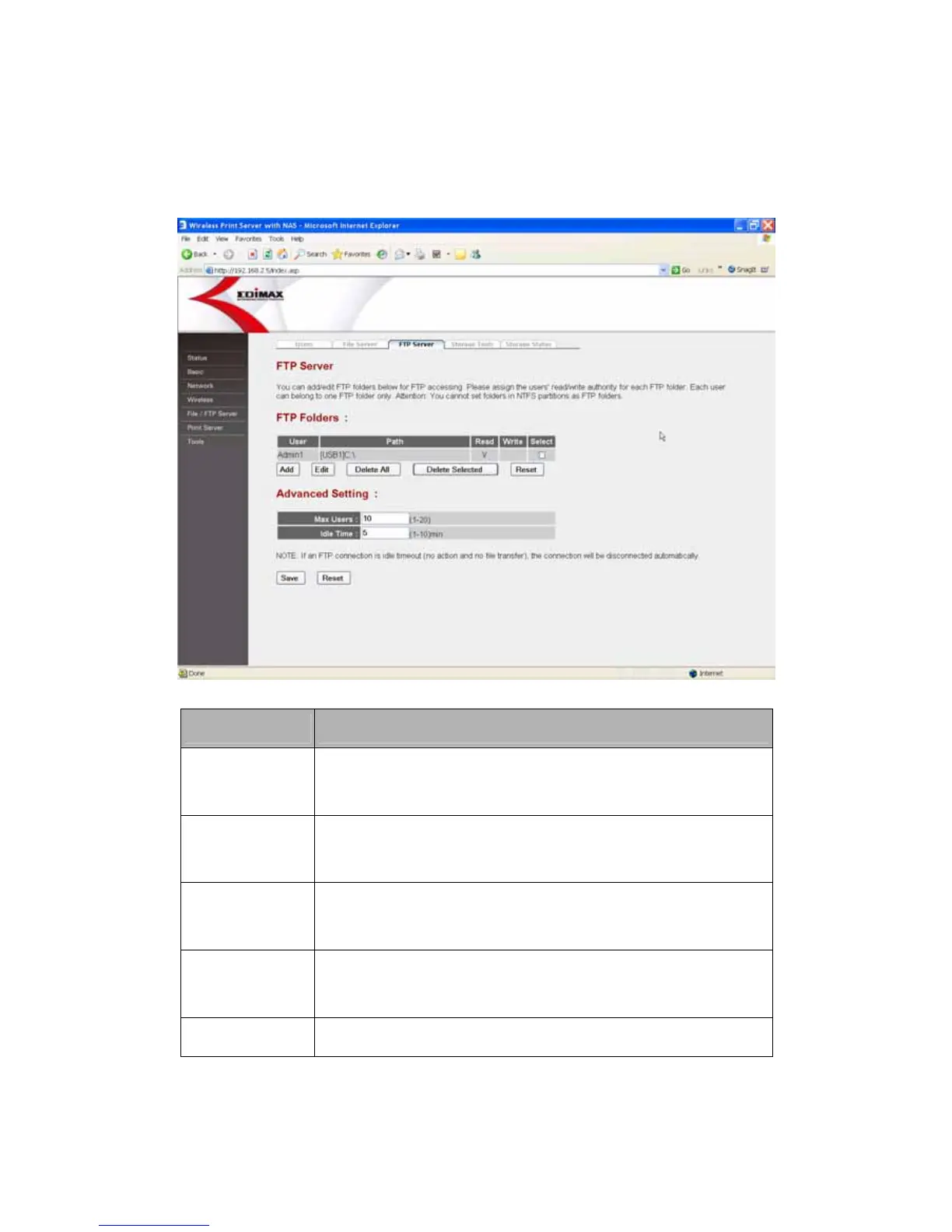
8.6.3 FTP Server
You can add/edit shared folders and sharing policies for sharing files via FTP
service.
Parameters Description
Add
Click “Add” and fill the information in the “Add/Edit FTP
Folder” page to add a new shared folder for FTP server.
Edit
Select any shared folders in FTP Folders list and click
“Edit” to modify its setting.
Delete All
Click “Delete All” to delete all the shared folders in FTP
Folders list.
Delete Selected
Click “Delete Selected” to delete the selected shared
folders in FTP Folders list.
Reset Click “Reset” to reset selection in FTP Folders list.
Click <Save> at the bottom of the screen to save the above configurations.















 To Next Page