79
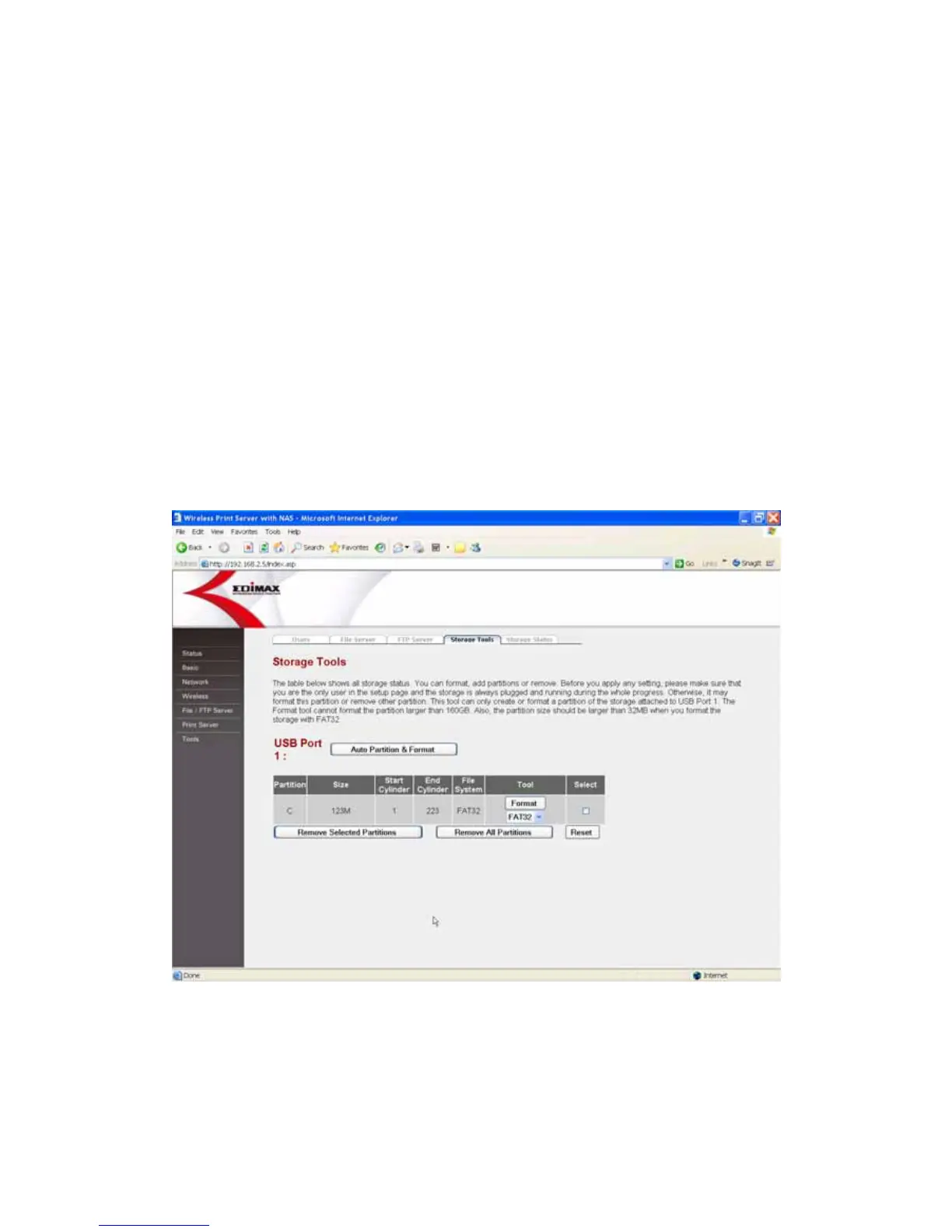
8.6.4 Storage Tools
You can use the storage tools here to format, add or remove partitions in the
storage attached to USB Port 1.
Note1: It is recommended that use the Storage tools to partition and format the
USB storage that you want to share in the network (usually the disk is brand
new or no need to move to other PC environment).
Note2: Please make sure that the USB storage device is plugged and idle and
you are the only user to format or manage the partitions.
Note 3: The partition size with FAT16 file system should be less than 2GB, and
for FAT32 or EXT2 file system, the partition should be less than 160GB.















 To Next Page