32
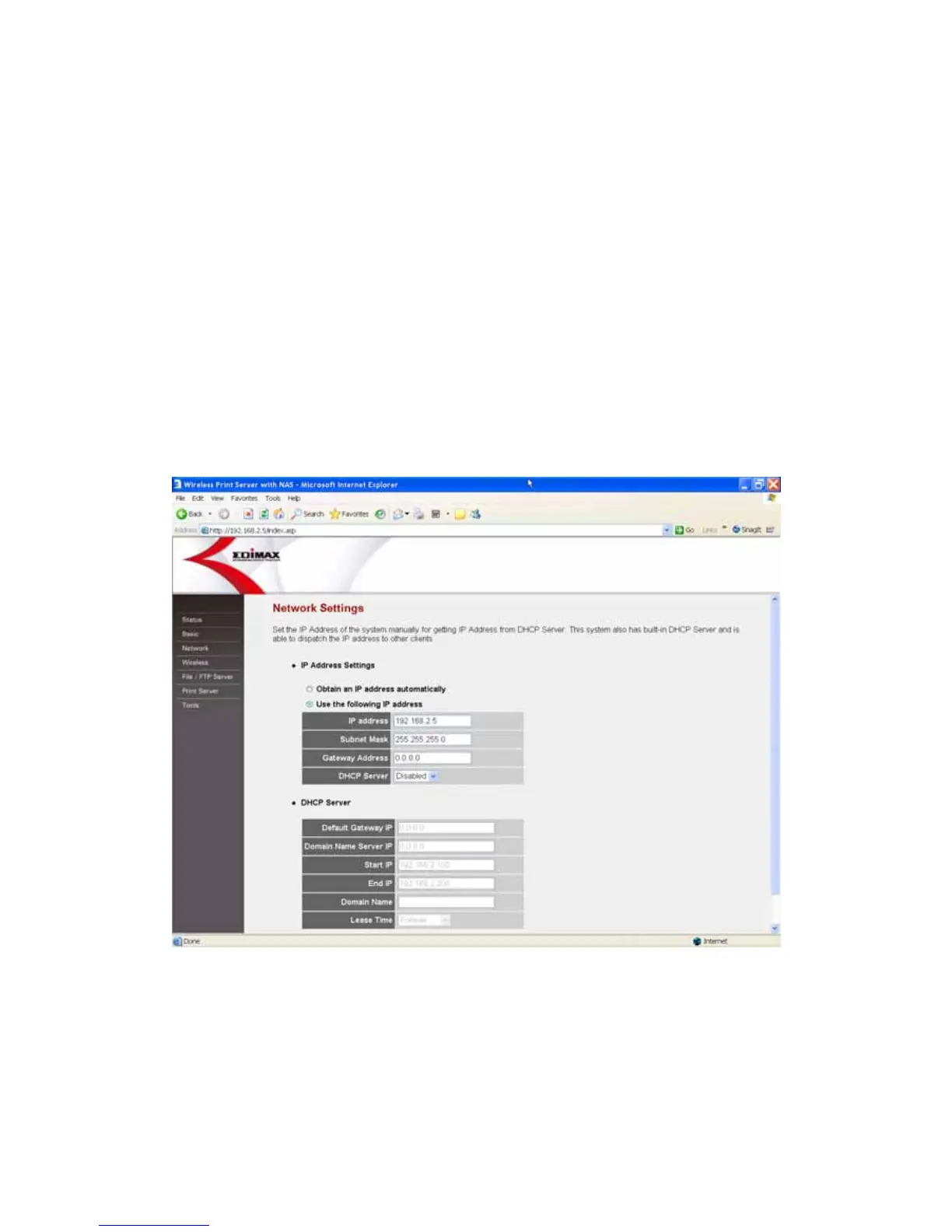
8.3 Network
8.3.1 IP Address Settings
You can configure the server to automatically get IP Address from DHCP
server or manually specify static IP Address. The IP Address of the server
must be set to have the same network segment within your network
environment or connected computer. If the network IP Address settings are
incorrect, then the server will not be able to communicate throughout the
network. For example, if your router/gateway/computer is using IP Address
192.168.2.1, then you need to give a unique IP Address to your server with IP
range 192.168.2.x (Please note: Above IP address setting is only an example,
please do not follow exactly!)















 To Next Page