81
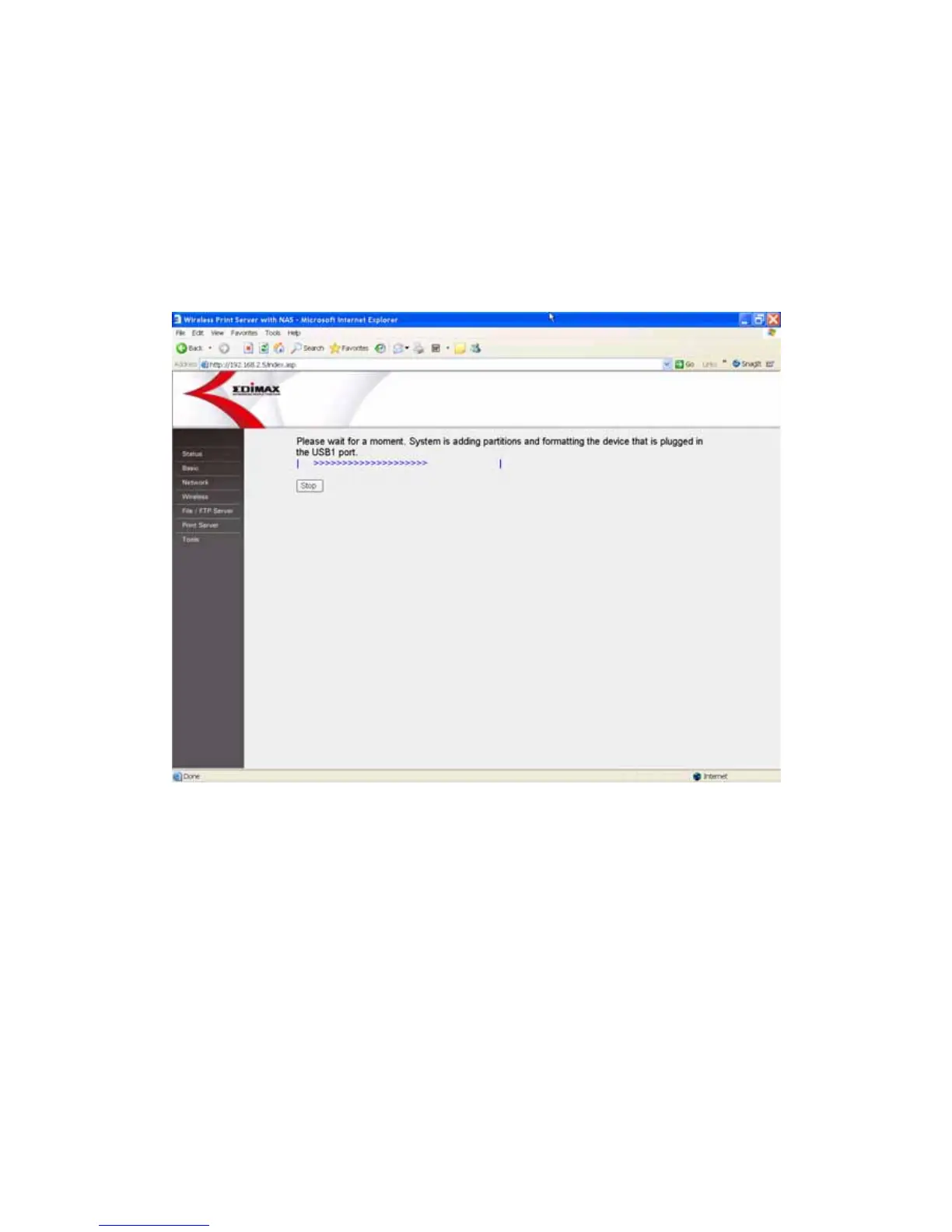
Auto Partition & Formatting
The storage tool will partition and format the USB storage device in USB1 port
according to the following rules.
1. It partitions the USB storage device to a partition with 160GB size and
formats to FAT32 file system.
2. If the rest of partition size is under 160GB, then it will be partitioned as a
partition.
Add a Partition
Please set the partition size and the file system that you want to create and
format a new partition in the USB storage device attached in USB port 1. Then
click “Save” to add the partition.















 To Next Page